

Let's learn about Macos via these 66 free blog posts. They are ordered by HackerNoon reader engagement data. Visit the Learn Repo or LearnRepo.com to find the most read blog posts about any technology.
Apple's proprietary graphical operating system for its Macintosh computers, known for its user-friendly interface, robust security, and integration with Apple's ecosystem.
1. How to Play Xbox Game Pass Games on Mac
 There are two ways to enjoy Xbox Game Pass on Mac: cloud gaming and Parallels Desktop. Each option has its pros, cons, and technical considerations.
2. How to Install MySQL 8 on macOS Using Homebrew
 A step-by-step guide 📙 on how to install, configure and run MySQL 8 server on macOS using Homebrew 🍺
3. Why Programmers Love Macbooks?
 MacOS was first released in 1984, which makes it even older than Windows. At first, it came to light as a graphical user interface, but in 2005 its design and structure were changed to Intel x86 based architecture. Apple’s computers are great pieces of machinery – that’s beyond debate. But why are they so popular among programmers?
4. Virtualization and Emulation on MacOS
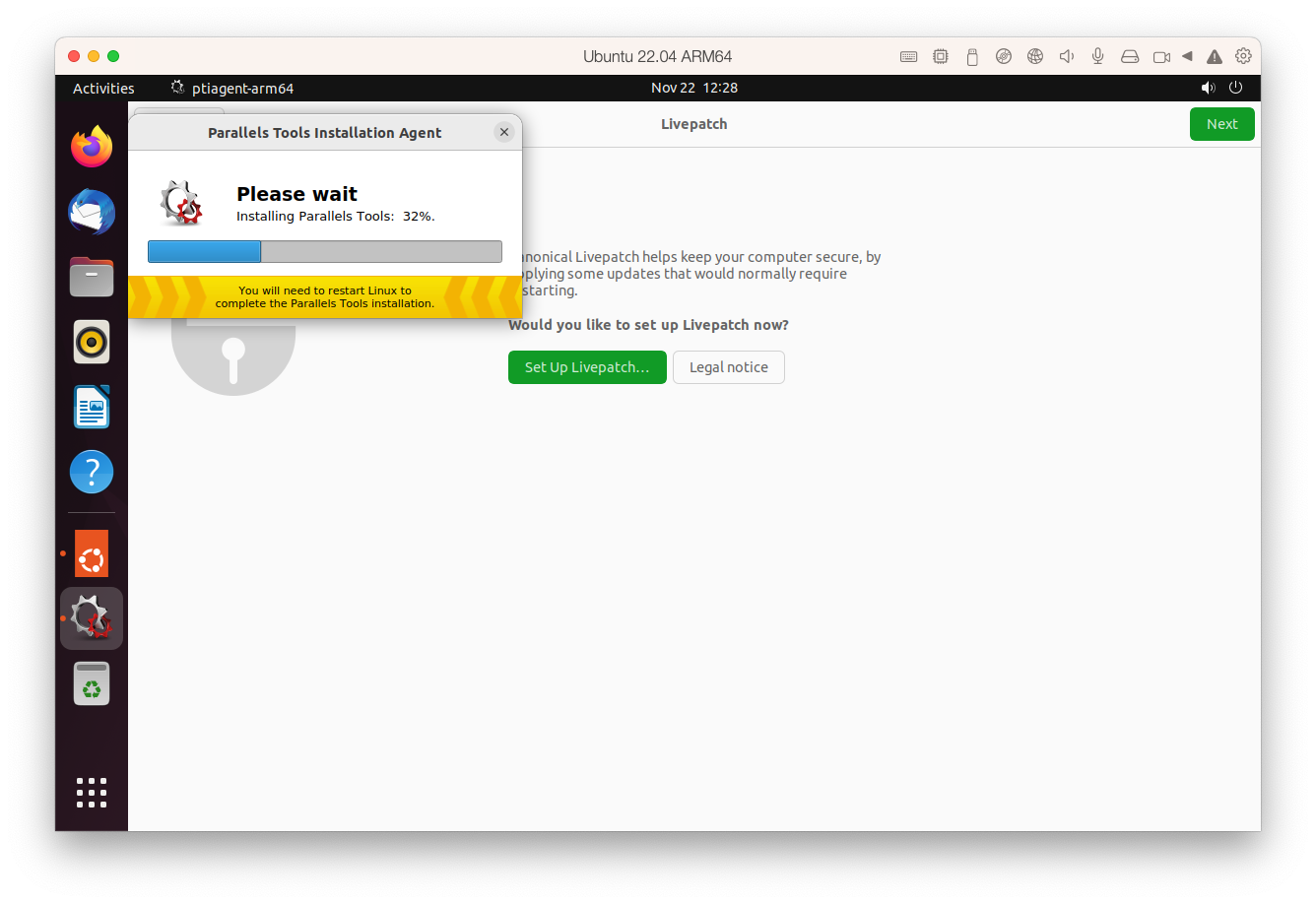 Want to run Windows, Linux, or any another operating system on your Mac? Here are your options!
5. Setting Up Apache and PHP from Homebrew on macOS
 Learn how to set up a local development environment with Apache and PHP installed from Homebrew running natively on macOS.
6. How to Run MacOS on VirtualBox in Less Than 30 mins
 How to run macOS in VirtualBox on Linux and Windows?
7. Leaving Linux for Mac After 15 Years
 I’m sorry Linux. It’s not me, it’s you. The “year of the Linux desktop” never came to fruition. It was always next year, year after, some year. Now, it’s almost a running joke.
8. Automate Python Scripts on Mac: A Step-by-Step Guide to Scheduling with Crontab
 This article will guide you through the steps to set up and use crontab to schedule your Python scripts.
9. Beyond the Uninstaller: How I Completely Eradicated Adobe Photoshop From My System
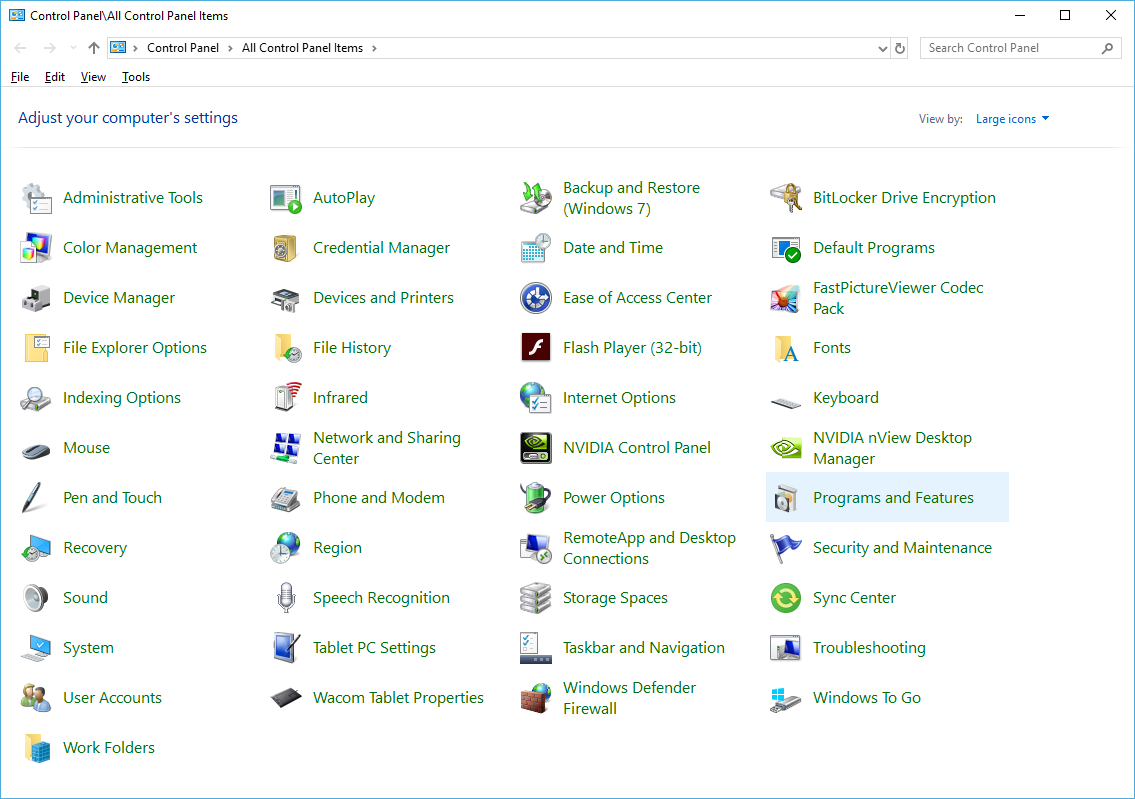 Learn how to completely uninstall Adobe Photoshop from Windows and macOS. This guide covers manual file deletion, registry cleaning, and automated scripts for a
10. DBngin: Instant Local Server for MySQL, PostgreSQL, and Redis
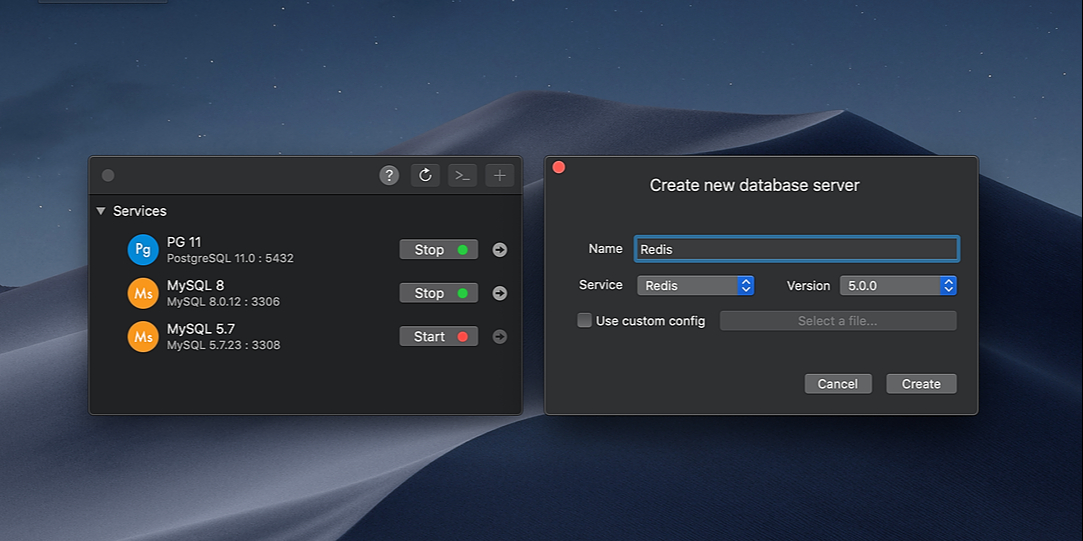 Docker might be an easy solution as an all-in-one tool for setting up a Local Development Environment. But on the other hand, it eats up a huge portion of your system resources to get up and running, and we hate it when our computer becomes lagging and clumsy.
11. Cybercrooks Are Using Fake Job Listings to Steal Crypto
 Moonlock Lab dives deep into a campaign tricking blockchain developers with fake job interviews to deploy malware that installs a backdoor and targets MetaMask.
12. How to Enable Autocomplete (and AI) in your Terminal
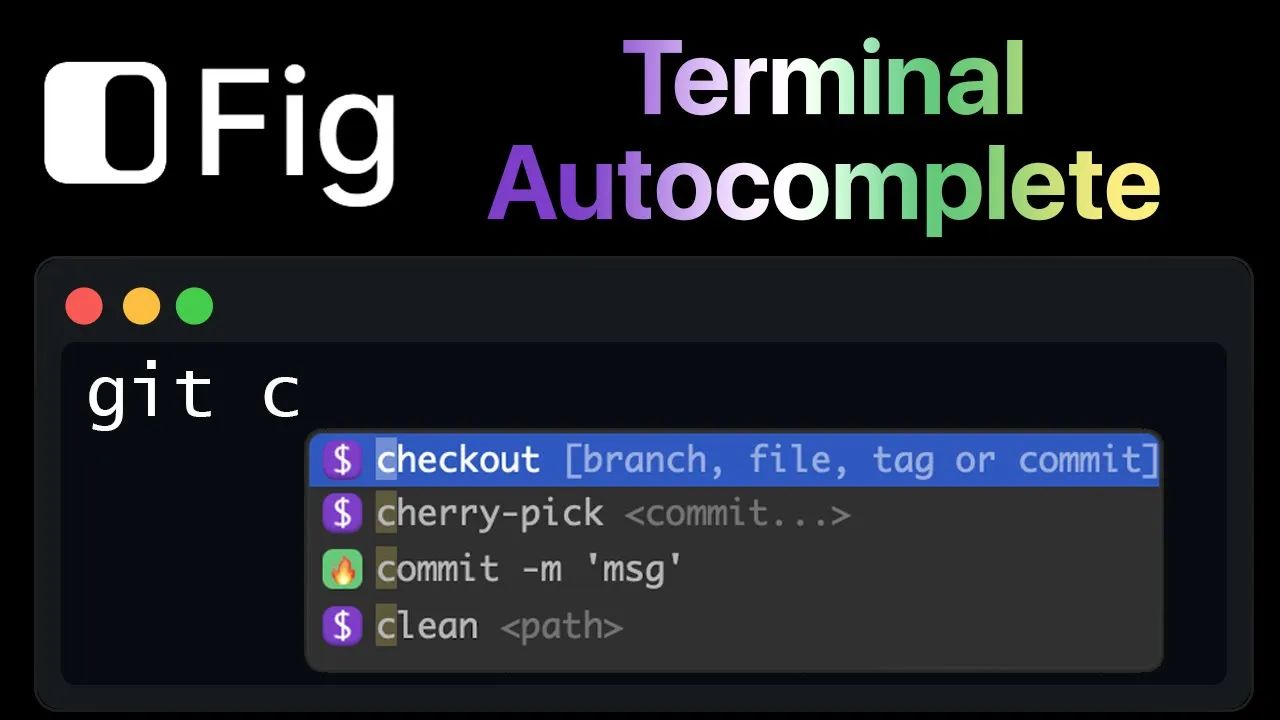 Here's how I enhance my terminal with autocomplete and Artificial Intelligence
13. How To Run An ETH 2.0 Beacon Node Using The Lighthouse MacOS Client
 This article will guide you through running ETH2.0 Beacon Node with Lighthouse client on MacOS if you have barely to 0 experiences with Terminal command lines and you want to spin off Lighthouse Beacon node and join the validator pool on ETH2.0 Beacon chain with Lighthouse client. This guide includes spinning off Nethermind Goerli node.
14. Mac's Aura of Invincibility Fades as AI Anxiety Takes Root, New Survey Finds
 Moonlock's survey finds the Mac immunity myth is fading. Discover why user anxiety is rising and how AI is creating a new generation of macOS threats.
15. Cross Compiling Rust on MacOS to Run as a Unikernel
 Most programs on Linux are dynamically linked. So when you are creating a unikernel with OPS out of a linux application OPS goes out and finds all the libraries it's dynamically linked to and throws it onto the disk image. This works well if you are on linux - 99% of everything on linux is dynamically linked.
16. Hellfred or: How I Learned To Automate macOS and Become Hellishly Productive
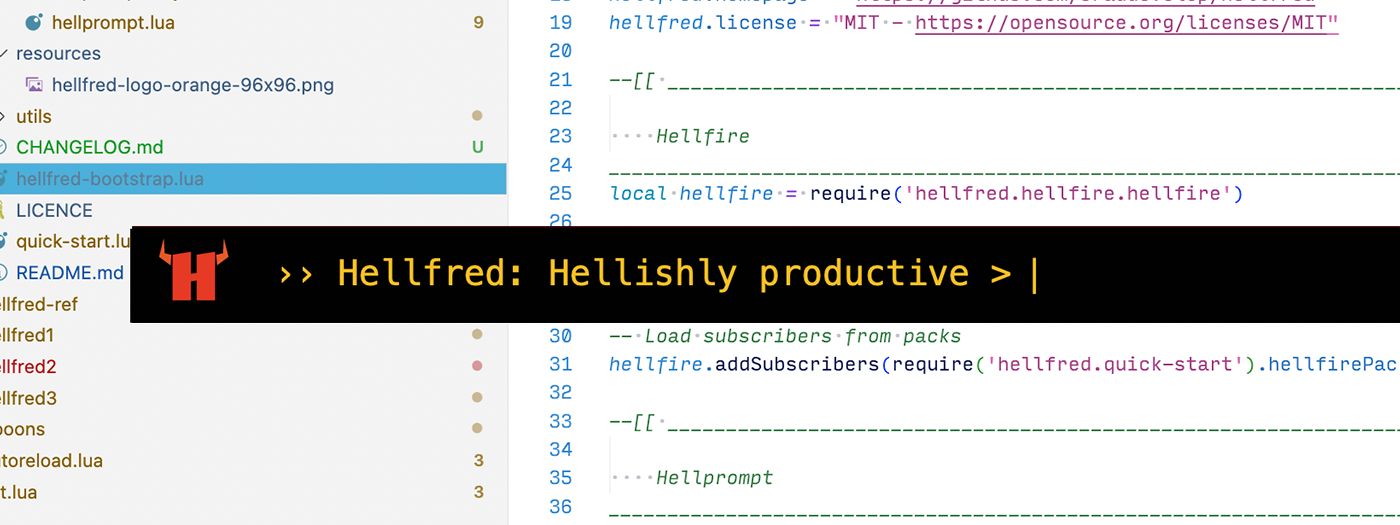 Hellfred apps are built on top of Hammerspoon so you can automate tasks and boost productivity by programming shortcuts into your daily workflows.
17. Tracking Atomic Stealer on macOS: Sophisticated Malware Replacing LedgerLive App
 We delve into new tactics of sophisticated macOS malware - Atomic stealer. Now, it replaces popular app for managing crypto wallets with malicious clone.
18. The 7 Essential Tools for Local LLM Development on macOS in 2025
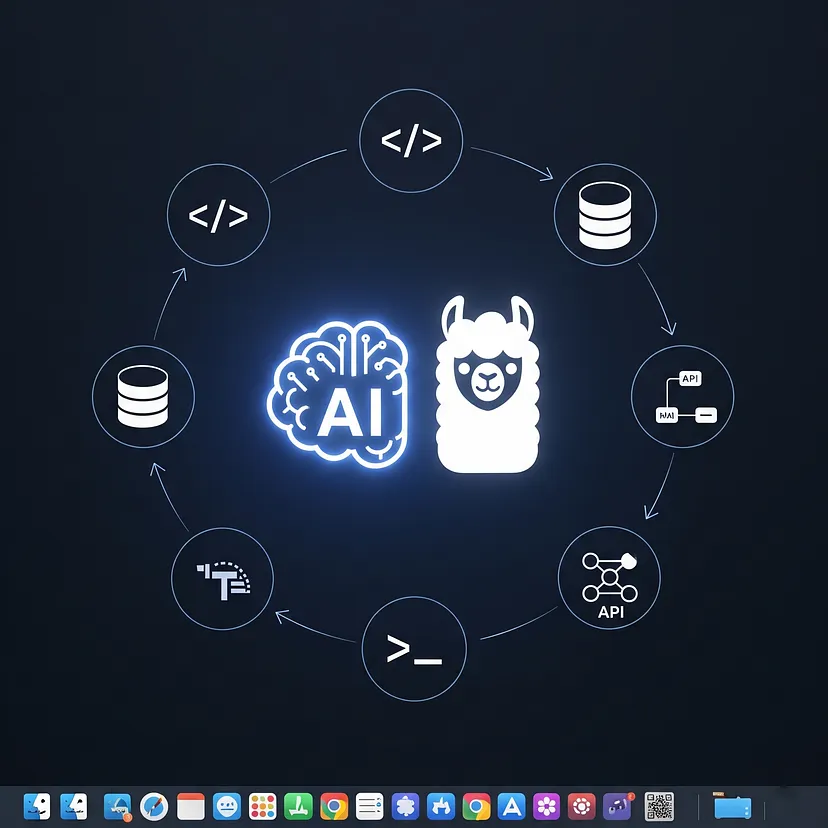 Discover the 7 essential tools for local Large Language Model (LLM) development on macOS in 2025.
19. Creating the Classic "Snake" Game with SpriteKit
 How to create simple game "Snake" with help from SpriteKit and a little bit of time.
20. Top 25 Employee Monitoring and Time Tracking Apps for Windows/MAC
 Many companies today install various tracking apps on their employees’ computers and check if their team members are productive during the working day. Such an extreme approach to monitoring what the staff is doing is due to the lack of employees’ efficiency at the workplace and to the employer’s desire to prevent data leakage and other unwanted actions. Before we go through the list of the most popular and effective programs to monitor employees’ activities at the workplace, let’s take a look at the most efficient ways to find out if your company is monitoring you.
21. 7 Reasons Your Mac Is Slower Than Mine. And How to Fix It
 Do you open your Mac and it takes a forever to wake up? Or are app on your Mac is slower than a Sloth? Do heavy apps crash frequently on your Mac making you lose loads of work?
22. 8 Best EPUB Readers for Windows and macOS
 It is a program that uses for reading books. It is built for Mac and Windows. With an EPUB reader, users can convert EPUB files to pdf documents instantly.
23. Obsidian Guide: How to Create the Daily Note Every Day - Even If You Don't Open It
 Here’s my simple, no-coding solution: use macOS’s built-in Automator to schedule a daily restart of Obsidian.
24. How to Play any Video Format on Your Mac
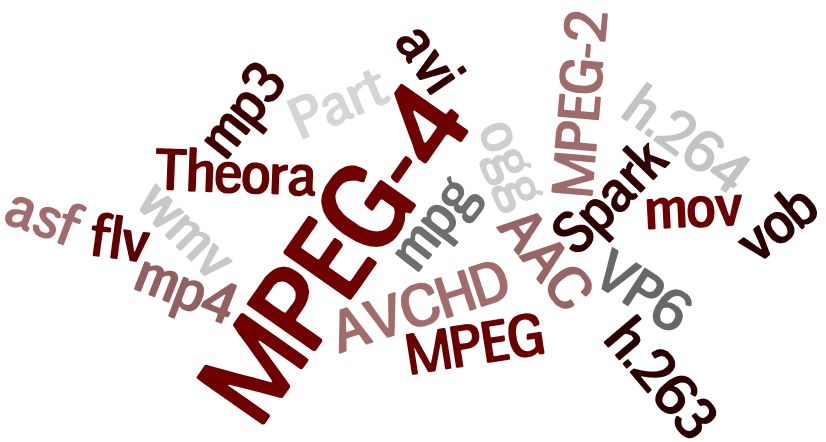 Ever come across a situation when your video file won't play on MAC in QuickTime or any other media player due to an unsupported codec?
Hope this helps you.
Ever come across a situation when your video file won't play on MAC in QuickTime or any other media player due to an unsupported codec?
Hope this helps you.
25. How to Make your Rails App Work with the Mac M1 Chip [SOLVED]
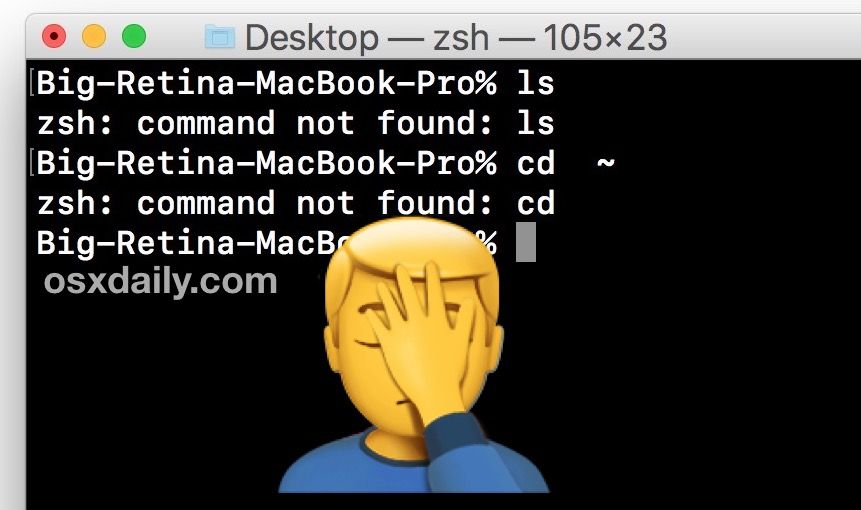 Get your rails app running from terminal using the following steps on MacBook M1 Chip.
26. Getting Started With ChatGPT on MacOS: A Quick Guide to Installation
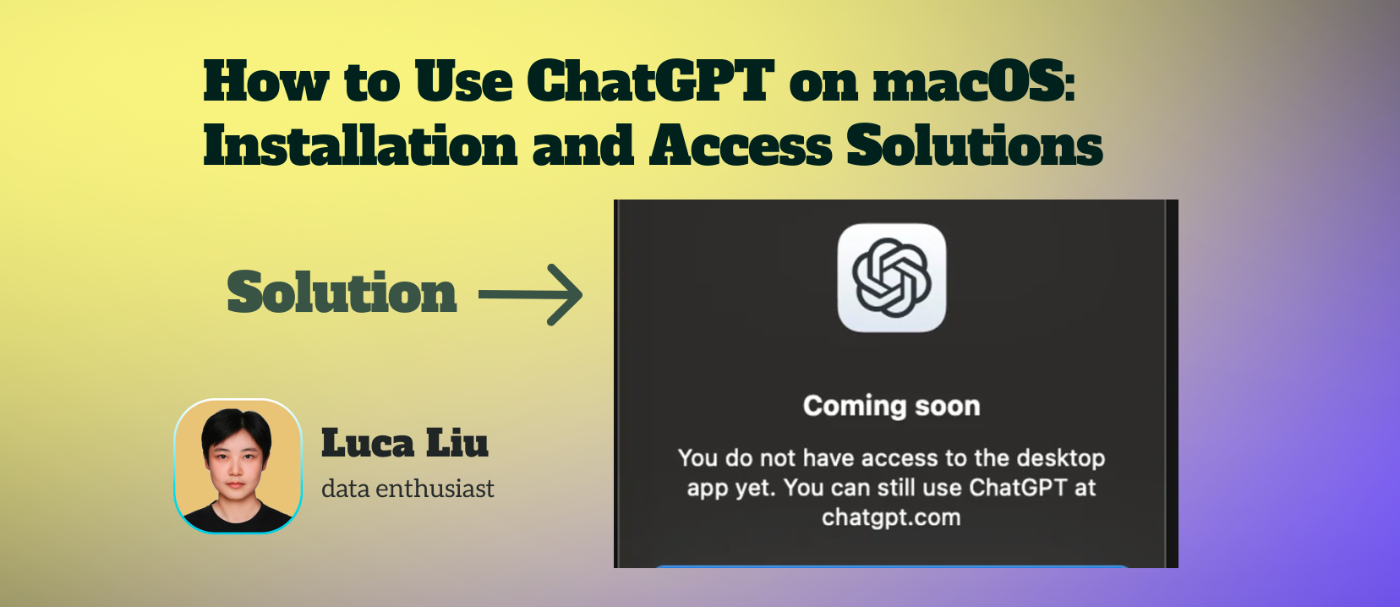 ChatGPT has officially launched its much-anticipated Mac app, bringing the power of advanced AI to the fingertips of macOS users.
27. Creating a Crypto Terminal for macOS: Lessons Learned From Expanding Our Product Ecosystem
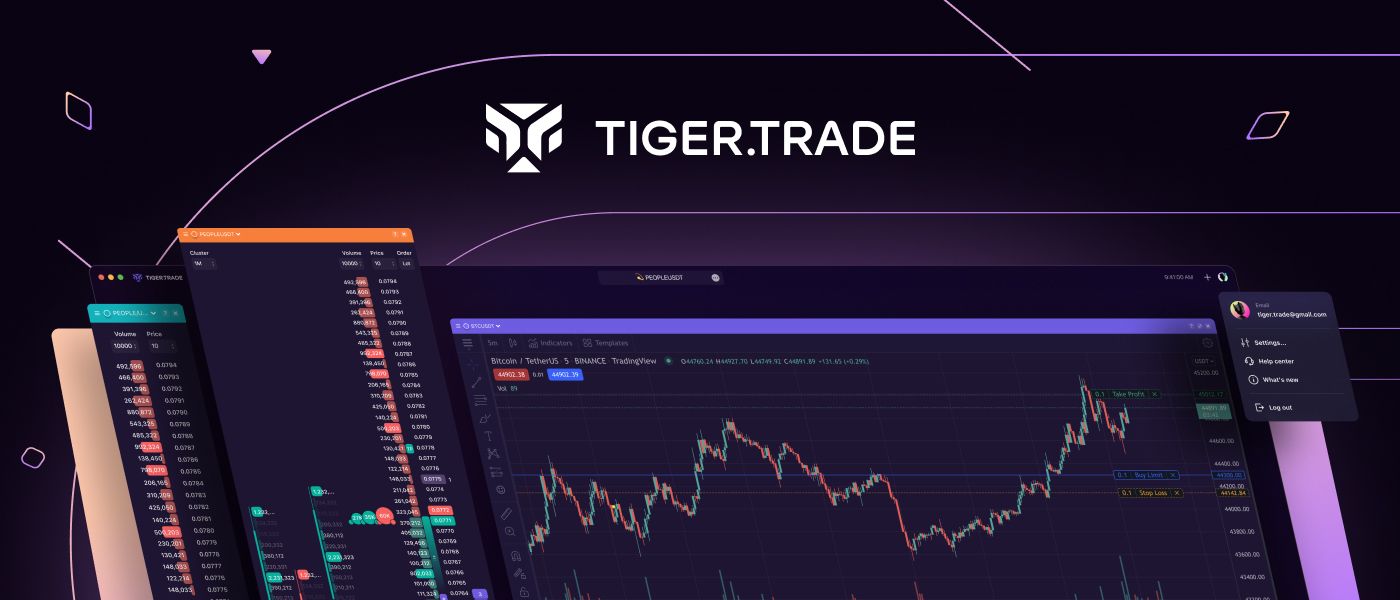 How we decided to build the best-ever crypto trading terminal for macOS to make technical analysis and scalping easier
28. 5 Mac Apps with the Largest Service Files
 Merely removing apps on Mac OS X is not a hard thing to do: drag & drop or just delete to the Trash. But sometimes after such removal on your Mac, there could be left system files, caches, logs, and other debris – called app leftovers. That is why it is better to use special third-party app uninstallers for removing programs from your Mac with all their service files.
29. Making Apache Superset into a macOS App
 Superset puts most heavy work onto the database side, I was thinking is there may be some possibility to have a Superset.app
30. Display Hierarchical Data as List with Search Feature
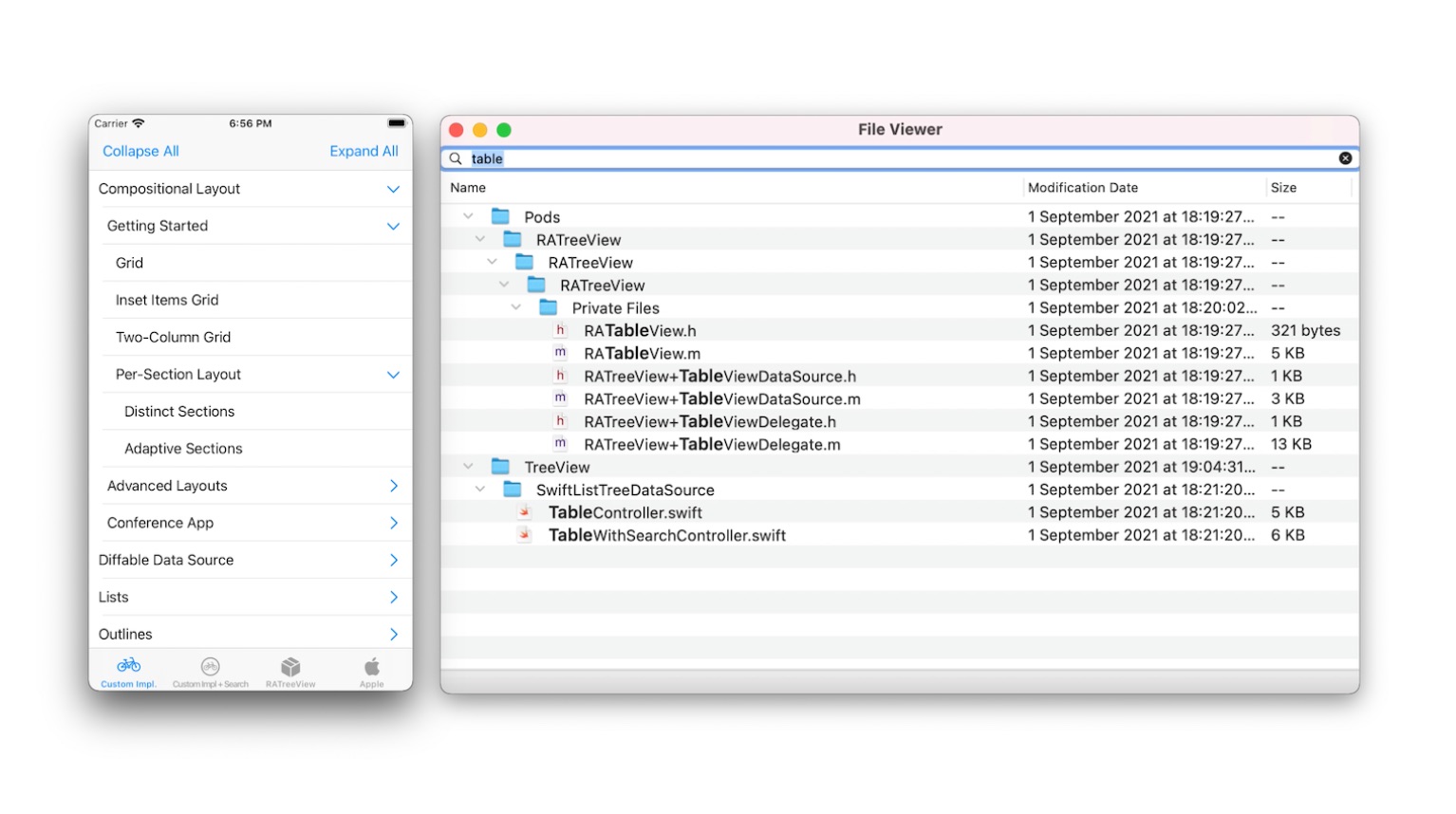 Recently I faced an interesting task to display hierarchical data as a list for the iOS platform.
31. Is Ruby Installed On A Mac? How To Check On macOS Catalina and Big Sur
 Ruby comes installed on macOS Catalina and Big Sur. Learn how to check for the system Ruby on your Mac.
32. UI Throwback: Creating a Retro Progress Bar for iOS using CALayers
 Dive into the blend of retro charm and modern iOS development with our guide on creating a nostalgic CALayer-based Progress Bar in iOS.
33. Building Secure and Performant Web Applications Using Azure AD and .NET Core Identity on macOS
 Secure and scalable web apps using Azure AD and .NET Core Identity on macOS with strong authentication and performance.
34. 6 Things You Need to Make Your Dev Job Fun Again
 It's easy to sit down and try to get straight to work, but it's important to have the right tools, extensions, and themes to make you the most productive.
35. A Curious Case of Mach-O Executable

36. Become a Finder Power User in 22 GIFs ⚡
 <span>A</span> week ago or two I helped a friend setting up his new <a href="https://hackernoon.com/tagged/mac" target="_blank">Mac</a> and get a web-development environment up and running. During this tedious process he noticed how fast I was able to manage some simple everyday scenarios within <a href="https://hackernoon.com/tagged/macos" target="_blank">macOS</a>. Of course I wanted to share everything with him which became quite overwhelming very quickly. You simply can’t remember more than three shortcuts at once without repeatedly using them by your own. At least I can’t. That’s why I decided to start this little series to collect some useful little bits, share them with the world, and maybe learn some new ones in the comments below. To keep things simple my first post will only cover the <em>Finder</em> which is the default file manager of macOS since its beginning. But there is a lot more in the making so <a href="https://twitter.com/wottpal" target="_blank">follow me on Twitter</a> if you think you could get more work done in less time. ⚡️
[37. 7 Reasons Why You Should Switch
To Linux](https://hackernoon.com/7-reasons-why-you-should-switch-to-linux-rp6f3wd6)
 Your current computer or laptop shows the same performance no longer? This is absolutely no reason to choose new hardware and invest money in buying a cut edge device. We know a much more attractive solution. It is Linux!
38. Using a Script to Send Desktop Notifications from Your Linux Terminal
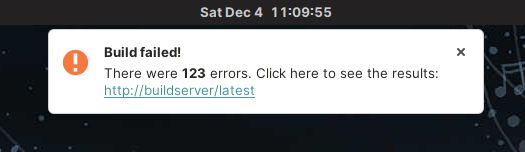 Send visual feedback and reminders from scripts, using notify-send and at commands on Linux. Also how to get MacOS to do it as well, through some jury-rigging.
39. Installing Open-source Software on Your MacOS May Be Coming to an End
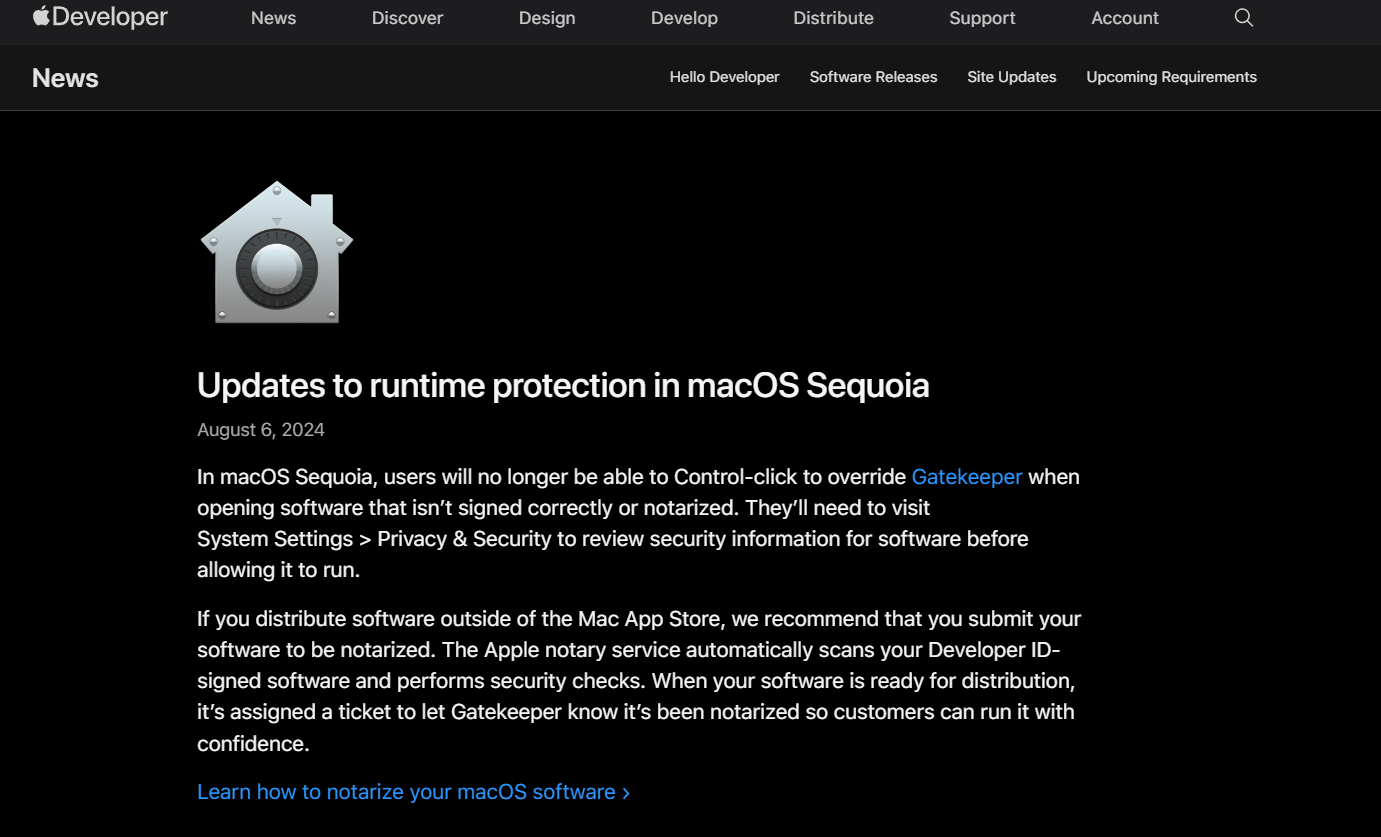 Apple has made it clear that applications need to be signed (or say notarized) first before you install them.
40. Installing Virtual Box ON Mac OS
 Let's say that just like myself you are in a situation where all you have is a Mac Book Pro, and you have no idea when you will be getting access to a windows system. You want to run Virtual Box, but it turns out that you come across a few issues before you get up and running. In this article we are gonna cover the main issues that arise when installing Virtual Box on a Mac OS.
41. Command Line Confessions: The Embarrassing Questions I Should Have Asked Long Ago
 Explore the command line through funny analogies, uncover essential commands, and get insights from an iOS developer's journey into CLI and terminal's darkness
42. Deskreen Introduction: Turn Any Device With Browser Into a Secondary Screen
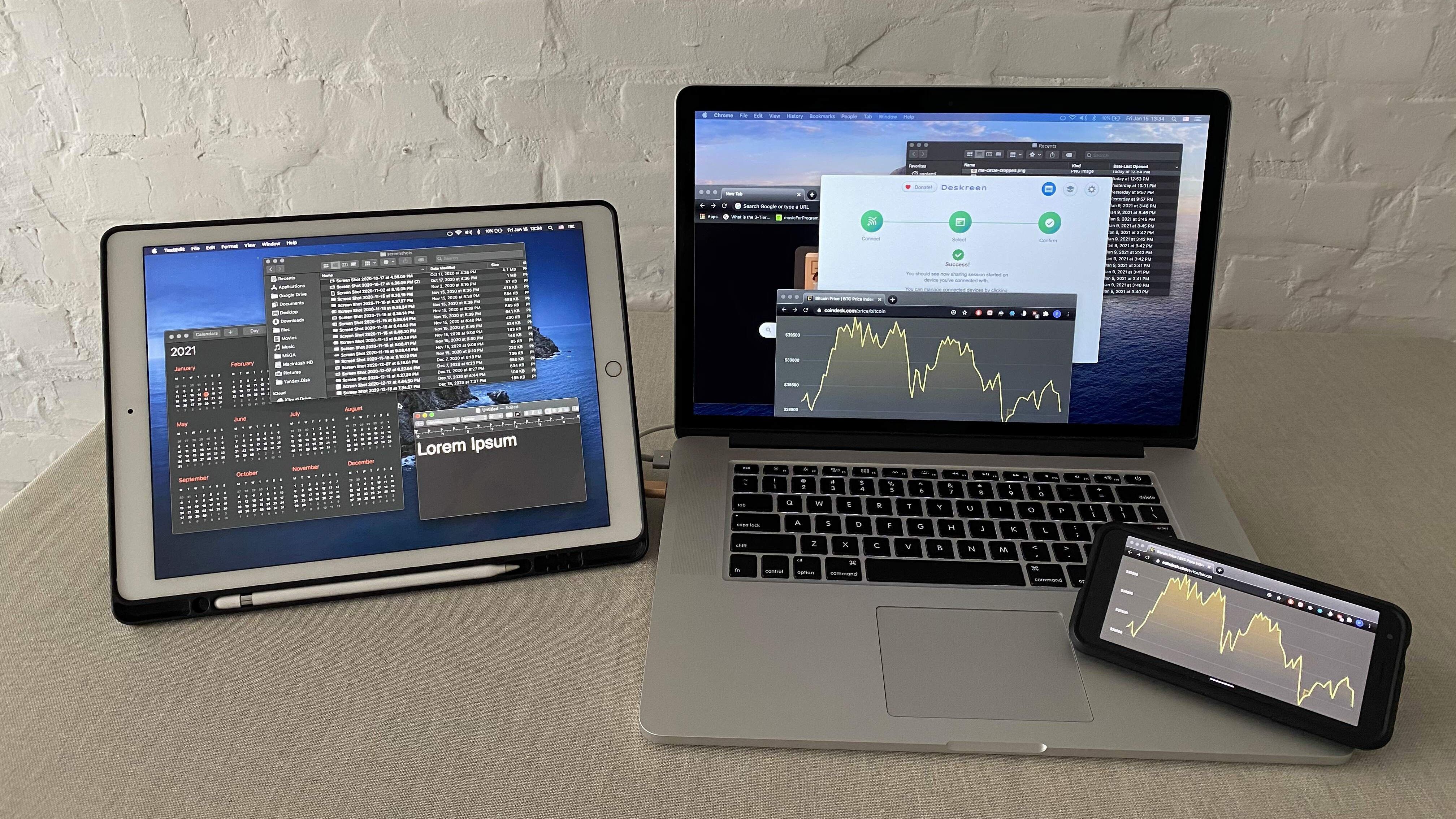 I created Deskreen. It turns any device with a web browser into a secondary screen for your computer
43. Homebrew - Explained in Simple English
 So, there are tonnes of jargon, commands, processes that we follow blindly after surfing from the internet without knowing the actual reasons and under the hood processes, that just remain in our short term memory and get purged eventually, thus we don't feel comfortable using or even about discussing in a group about them.
44. macOS Ventura's New Privacy and Security Features

45. A Linux, Mac and UNIX Tutorial Of The Top 6 Cool Terminal Commands For Beginners
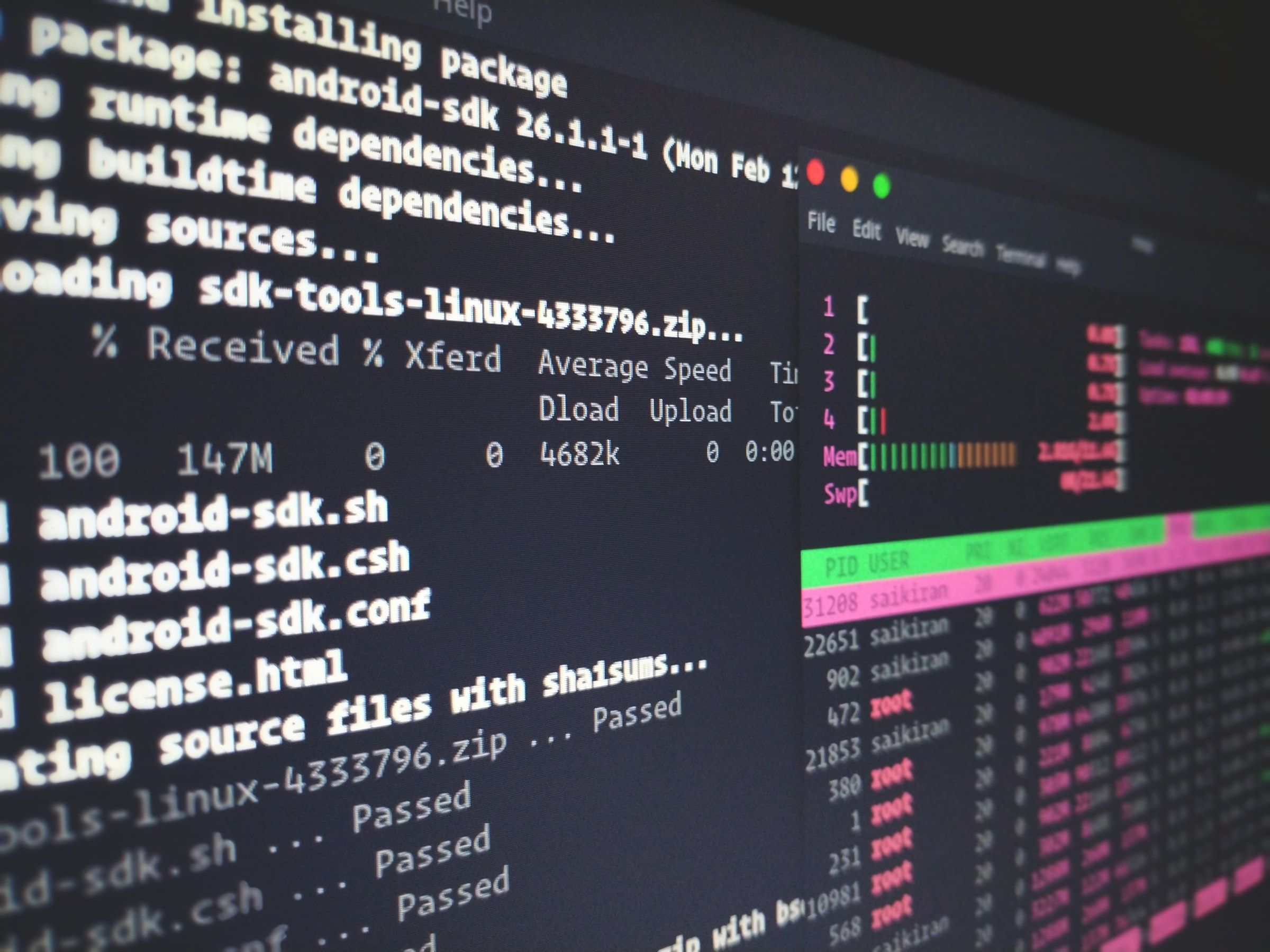 In this tutorial, you'll learn the most common and useful commands that you can run in almost any UNIX-like environment, including Linux and Mac OS X.
46. How Building a Jira App Led Me to Create PeekNote — a Minimal macOS Notes Tool for Developers
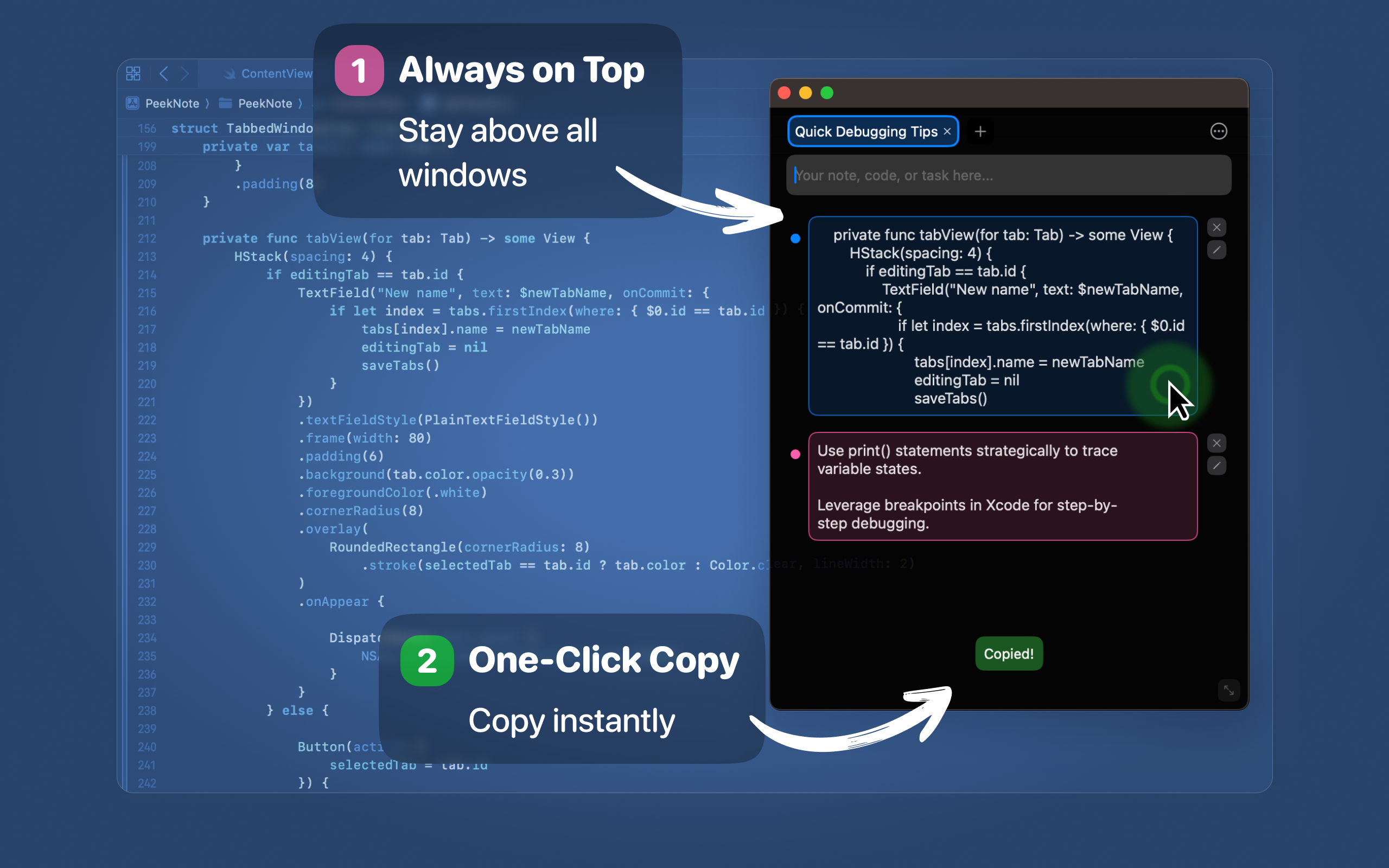 PeekNote is a minimal macOS notes app for developers to quickly save, edit, and copy code snip
47. How to Boot macOS Recovery Mode on an Apple Silicone Mac in 5 Steps
 The ways to enter into a special recovery boot system in both INTEL and M1 Mac are different. The recovery mode helps the mac user to troubleshoot different errors. On Intel Macs, the method is really simple and easy, you just need to hit the CMD + R during startup to enter into recovery mode.
48. I Turned a Failed Product Hunt Launch Into a Top 3 Win on a Budget
 The first time I launched my app, it was super half-arsed. The second time I relaunched it, it shot up to #3 product of the day.
49. How I Migrated Applications and Data to a New Mac Without Time Machine
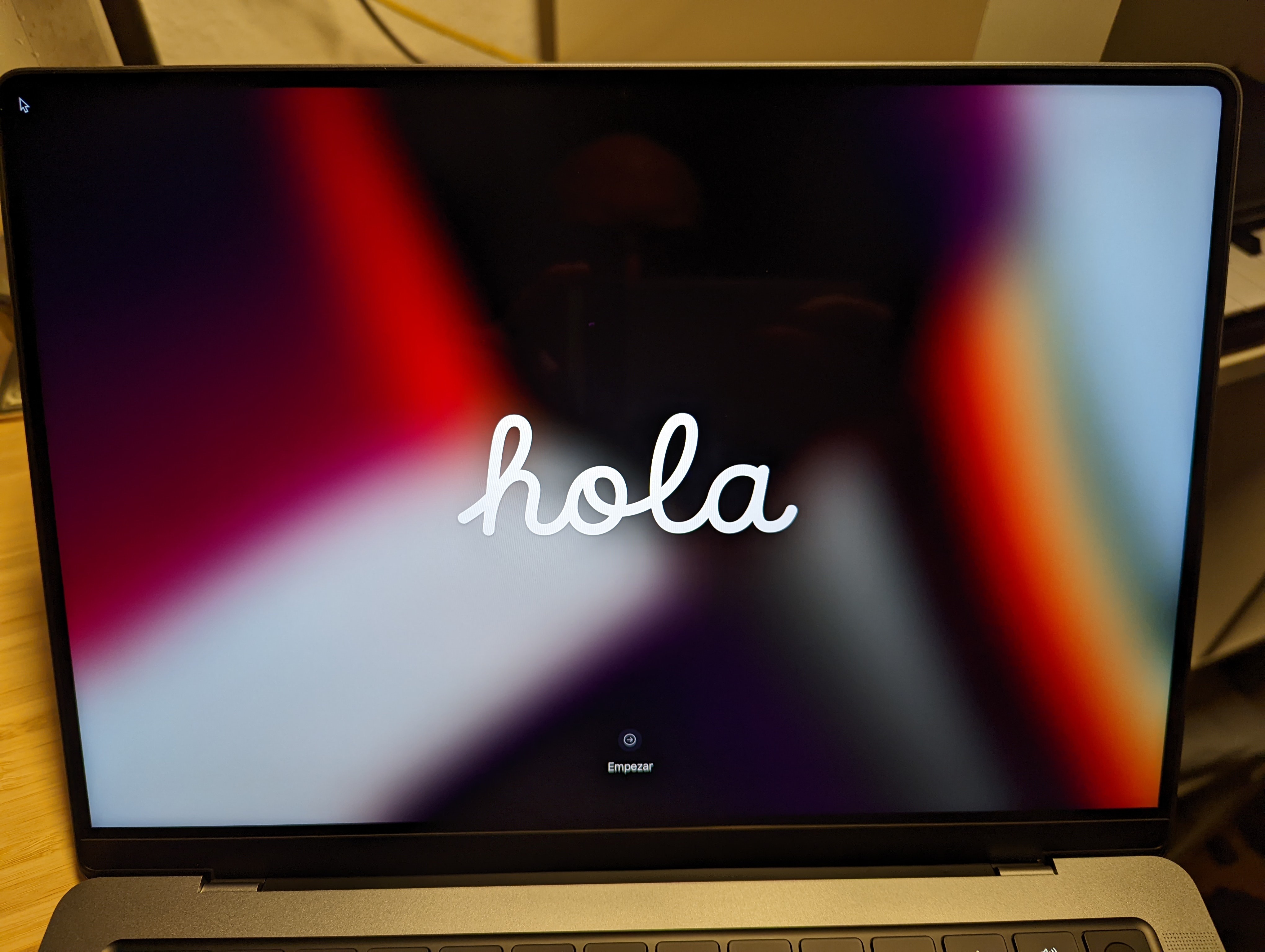 Is it possible to migrate between macs using nifty command line tools? Well yes, kind of. Should you do it? Well that is up to you :)
50. How to Adjust Your Mac's Energy Saver Settings to Keep It Awake For Longer
 Have you ever been in the middle of an important task, only for your Mac to dim the screen or go to sleep at the worst possible moment?
51. How Long Do Macs Last And How Do You Increase Their Lifespan?
 Learn how long do Macbooks actually last and get tips on how to make them last longer in this expert-written guide.
52. Building a Custom Homebrew Formula: A Case on tfblueprintgen
 In this brief blog, we are going to discuss how we can create a custom brew package for an app named tfblueprintgen.
53. 8 Mac Hacks You Can Use to Stop Wasting Your Machine's Time
 Photo by Bram Naus on Unsplash
54. YSK about [Unix tools]
 This Slack discussion, featuring myself in some sleep-deprived rambling, occurred in hackernoon's official #protips channel, and has been [barely] edited for readability.
55. How the Top Result In Google Could Be a Scam Website
 Jailbreak Checkrain Checkra1n Security Scam Malware
56. Ever Tool I Use to Be a Giga Web Developer on Mac
 Whether it's managing packages, improving terminal experience, or organizing my work, these tools help keep everything running smoothly.
57. Transforming a JAR to a Full-Fledged macOS App
 In this post, we started with an UberJAR unable to rename files on remote volumes because of the current macOS security model.
58. How to Set Up Notarization on macOS with Electron Builder and Electron Notarize
 Learn how to set up notarization on macOS for Electron apps built with Electron Builder and work around a bizarre issue I’ve experienced with Apple's ANS.
59. Will Ubuntu 20.04 Steal Windows Users
 t’s that time of year again, Ubuntu 20.04 is now available. Will this be the release that steals away more Windows users?
60. The Powerdir MacOS Bug Could Allow Attackers to Snoop On You
 The vulnerability allows malicious apps to bypass privacy preferences. Precisely, it could allow an attacker to bypass the operating system's Transparency, Cons
61. How to Create a Product Concept and Landing Page With a Waiting List With ChatGPT, Carrd, and More
 From idea to action with ChatGPT, Carrd and Midjourney. Make your first steps in developing your own product. Create a concept and a Landing page.
62. How to Stop Giving Away Money to AWS by Running KubeCF with Kind on MacOS
 I've reviewed how to deploy KubeCF on EKS, which gives you a nice, stable deployment of KubeCF, for cost. Now let's run KubeCF on your Mac for free(ish)!
63. 7 Mac Trackpad Gestures To Help You Become A Superuser
 The first time I got my hands on a MacBook, I was 13. I used to do everything to explore macOS. That was when I accidentally noticed that doing certain gestures on the trackpad triggers some actions. Upon some exploring, I found out a list of Mac trackpad gestures and ever since I’ve been using them extensively. They’re super useful.
64. MacDroid: Synchronize Android with Mac Easily
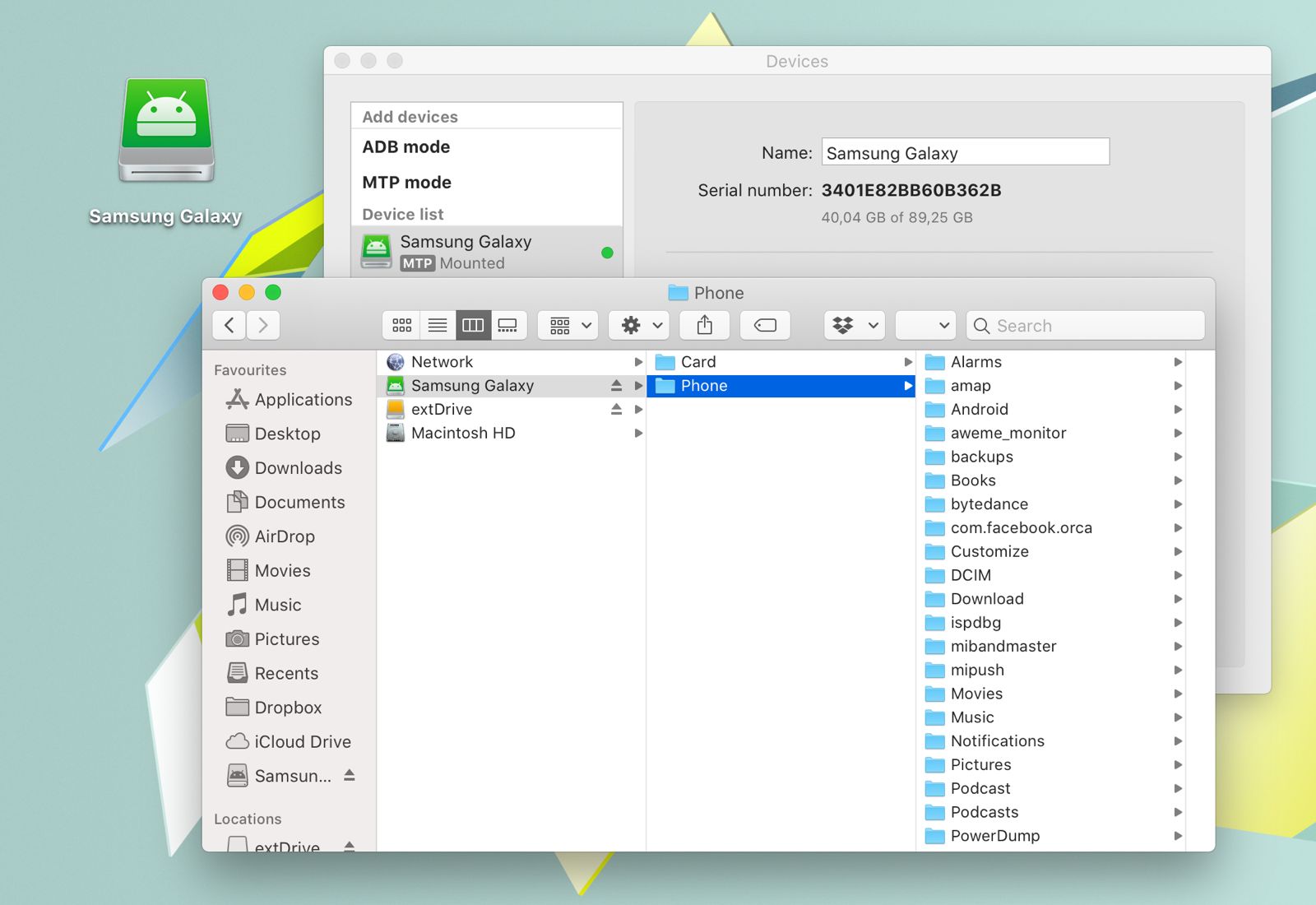 MacDroid allows you to move music files, videos, and contacts from your Android device to your Mac.
65. Dear Ulysses: It’s Over
 A long-term Ulysses user reflects on how slow development, sync issues, and a subscription model eroded trust in a once-great writing app.
66. Meet Validator: Chainable Form Validation Rules for Swift Apps
 Validator is a modern, lightweight Swift framework that provides elegant and type-safe input validation.
Thank you for checking out the 66 most read blog posts about Macos on HackerNoon.
Visit the /Learn Repo to find the most read blog posts about any technology.