
Let's learn about Chrome via these 53 free blog posts. They are ordered by HackerNoon reader engagement data. Visit the Learn Repo or LearnRepo.com to find the most read blog posts about any technology.
Chrome is a popular web browser developed by Google, known for its speed, security, and extensive ecosystem of extensions. It serves as a primary gateway for billions of users to access the internet and its vast array of web applications.
1. How We Cracked HQ Trivia, Loco, BrainBaazi And How They Can Prevent It
 Me and my friend Nitesh used to play <a href="https://play.google.com/store/apps/details?id=com.intermedia.hq" target="_blank">HQ Trivia</a>, <a href="https://play.google.com/store/apps/details?id=com.showtimeapp" target="_blank">Loco</a> and <a href="https://play.google.com/store/apps/details?id=com.brainbaazi&hl=en" target="_blank">BrainBaazi</a> which are live trivia game show application which asks several questions and give cash prize to the winners. Every question have 3 options with one correct answer. In order to be in the game you have to answer the question within 10 seconds.
2. Resolving the Blocked a Frame with Origin "null" From Accessing a Cross-Origin Frame Error
 Learn how to resolve the "blocked a frame with origin "null" from accessing a cross-origin frame error."
3. How To Disable Javascript In Tor
 Do you need to know how to disable JavaScript in Tor? This would be easier you could imagine!
4. 4 Google Chrome Extensions That Improve My Coding Workflow
 The four Google Chrome Extensions that I base my coding workflow around are YouCode, Web Developer, Window Resizer for Developer, Wappalyzer all on the store.
5. How to Clear the 301/302 Redirection Cache
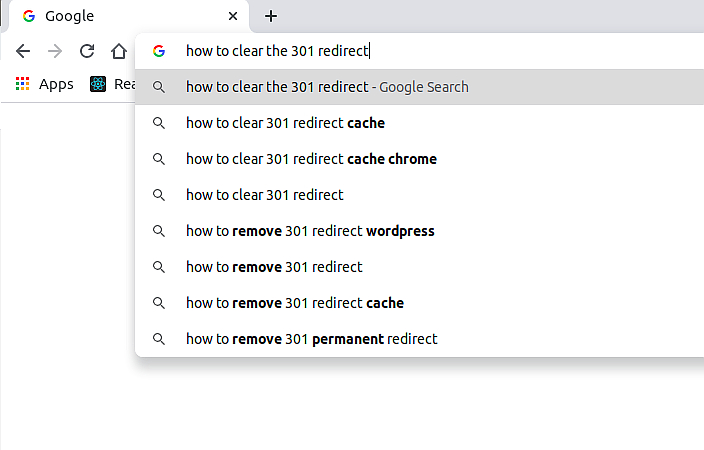 I think many web developers and server administrators had been facing the 301 redirection cache. I had facing it very often until I learn the lesson…
I hope it helps you and you learn something from me, not from your mistakes 💥
I think many web developers and server administrators had been facing the 301 redirection cache. I had facing it very often until I learn the lesson…
I hope it helps you and you learn something from me, not from your mistakes 💥
6. How Do You Clear Your Google Search History?
 Searching the web shouldn’t require compromising on your privacy. It’s no longer a secret that Google keeps a record of all of your internet activity, including your searches. If you don’t want other people on your devices seeing your browsing history, all you have to do is clear that data.
7. Building a New Tab Chrome Extension with Zero Dependencies
 This story will walk you through the basic steps needed to get started building a new tab Chrome Extension powered by an API without any dependencies. Check out our Tech Stories Tab extension for reference.
8. 7 Most Common Google Chrome Problems and How to Fix Them
 This is a post on 7 common Google Chrome problems. Learn how to fix them in this in-depth post.
9. Step-by-Step Guide to Building and Launching your Chrome Extension
 While building my first chrome extension, Foragear- Quick Search Tool, I struggled to find an article that covered the entire ideating, building, and launching process of chrome extensions. To make the lives of future chrome extension builders easier, here is an all-in-one guide to help you through the process.
10. 8 Google Chrome Extensions to Record Any Meeting
 8 Google Chrome extensions nobody told you about ( but you needed them badly at work.
11. RSpec, Capybara, CircleCI And Chrome Headless Webdriver Configuration
 How to configure Capybara with Chrome headless webdriver using CircleCI and Ruby on Rails project. Selenium webdriver.
12. Chrome Extension Productivity Hack: Copy Text with a Mouse Hover and Click
 Copy Text, paragraphs, and sentences in a hassle-free manner as never before using this simple tool available for free.
13. 7 Tips to Making Your Puppeteer Scripts More Bulletproof
 How these 7 tips and tricks can help your puppeteer code stand out and work more reliably.
14. Defeat All Paywalls By Building Your Own Google Chrome Extension [DIY]
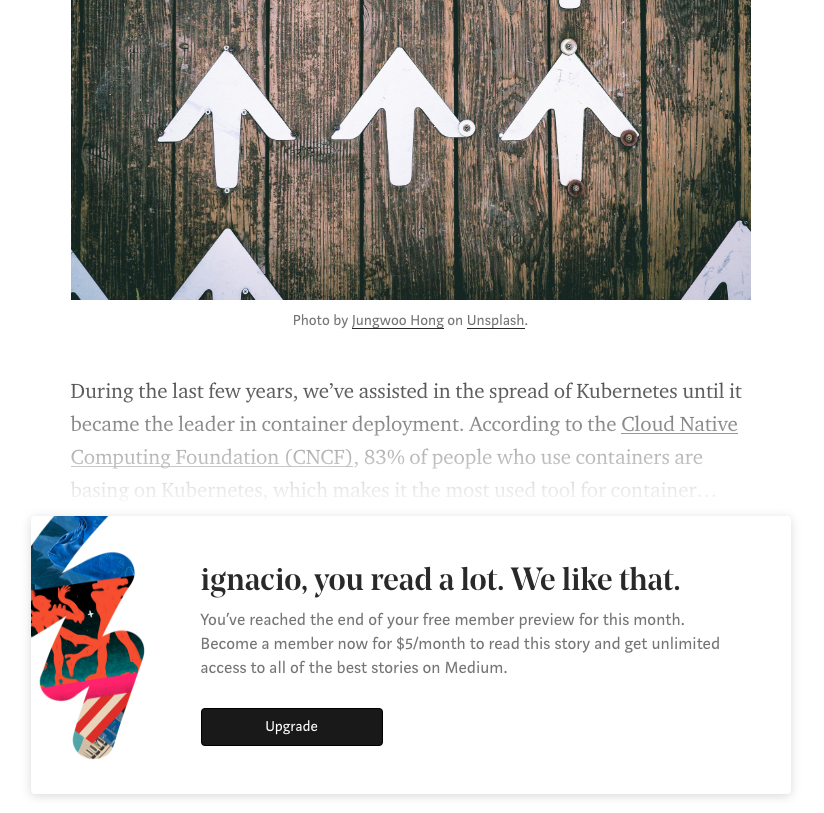 They’ve been telling us internet will make us free, that we will have the knowledge at the reach of our browser, infinite possibilities and all that stuff… until you hit the (pay)wall:
15. How the 'Browser Wars' Changed the Landscape of the Internet
 Browsers have been fighting for users since their emergence. Browser wars are going on constantly, and don't stop. I detailed discuss browser wars history.
16. Turn Your Chrome OS Machine Into a Powerful DevOps Machine With This Guide
 Do you have a Chrome OS? It may work great for you dev endeavors.
17. How to Save Hours of Manual Work: 9 AI-Powered Chrome Extensions
 Discover 9 AI-powered Chrome extensions to enhance productivity and automate tasks, from web scraping to email management and video recording.
18. Boost Your Productivity in 2024 With These 17 Chrome Extensions 🔥🚀
 Whether you're a developer, designer, or an avid multitasker, these extensions might improve your experience.
19. 9 Chrome Extensions To Make Your Life Easier
 Chrome extensions that make your working life easy. It's 2021 and I am brought here some fresh new chrome extensions. And no I will not be covering popular ones
20. Let’s Understand Chrome V8 — Chapter 6: Bytecode Generation
 Bytecode is the output of the parse, which is an architecture-independent abstract machine code.
21. How to Use Chrome to Debug JavaScript - Stop Console.Logging! NOW
 If you console.log() when you debug, you’re doing it wrong. There’s an easier way and it’s right in the palm of your browser.
22. 10 Must Have Chrome Extensions for a Web Developer
 A list of browser extensions made for web developers to help them debug, test, and make their applications reliable.
23. Using ECMAScript Modules on the Web and in Node.js
 ESM (ECMAScript Modules) is a modern module format with many advantages over previous formats like CommonJS. How do you switch to it?
24. Understanding Chrome V8 — Chapter 15: Debugging in V8 More Easily
 "Let's Understand Chrome V8" are serial technology articles that explain the V8 code, it covers many V8 kernel functions and fundamentals.
25. How to Delete Your Browser History
 All web browsers remember a list of the web pages you’ve visited. You can delete this list at any time, clearing your browsing history and erasing the tracks stored on your computer, smartphone, or tablet. Each browser has its own separate history, so you’ll need to clear the history in multiple places if you’ve used more than one browser.
26. 12 Best Chrome Extensions for Developers in 2023
 r. By using helpful Chrome extensions and implementing effective strategies, you can streamline your workflow and achieve greater success. 💪 Happy coding! 💻
27. 17 Lesser Known Chrome Extensions You Need Right Now 🤩⚡
 Discover 17 lesser-known Chrome extensions to boost productivity, manage tabs, automate tasks, and protect your eyes. Enhance browsing today!
28. Ave V8 JavaScript Engine: the Non-stop Improvements
 V8 is not only a famous eight-cylinder engine you can find in Dodge Charger, Bentley Continental GT or Boss Hoss motorcycles. In 2008 The Chromium Project developers released a new JavaScript and WebAssembly engine with the same name – V8, such a groovy reference to the engineering marvel. So one more Vee-eight engine was born.
29. Follow These Steps To Replay Browser’s Network Offline

30. What is String Object Analysis in Chrome V8
 "Let's Understand Chrome V8" are serial technology articles that explain the V8 code, it covers many V8 kernel functions and fundamentals.
31. How to Build a PowerShell Script to Keep ChromeDriver Up to Date
 Chrome frequently updates automatically causing ChromeDriver versions to mismatch. Using PowerShell you can download the correct version of the ChromeDriver
32. Understaning Chrome V8 - Chapter 23: Compiler Workflow Parse, AST, and Token
 "Let's Understand Chrome V8" are serial technology articles that explain the V8 code, it covers many V8 kernel functions and fundamentals such as AST and Token
33. Let’s Understand Chrome V8 — Chapter 5: Compilation Parser
 In Chrome V8, the parser works with the scanner to create tokens to understand what functions it needs to carry out next, letting the browser work as intended.
34. Hidden Things You Didn't Know Google Chrome Can Do
 There is no doubt Google Chrome is known to many users around the world. Many use Chrome browser for different things. The reality is that the majority are unaware of the myriads of things Google Chrome can offer. In this article, we shall be looking at five top things you can do with Google Chrome.
35. Organize And Save Your Tabs And Groups With Tabox
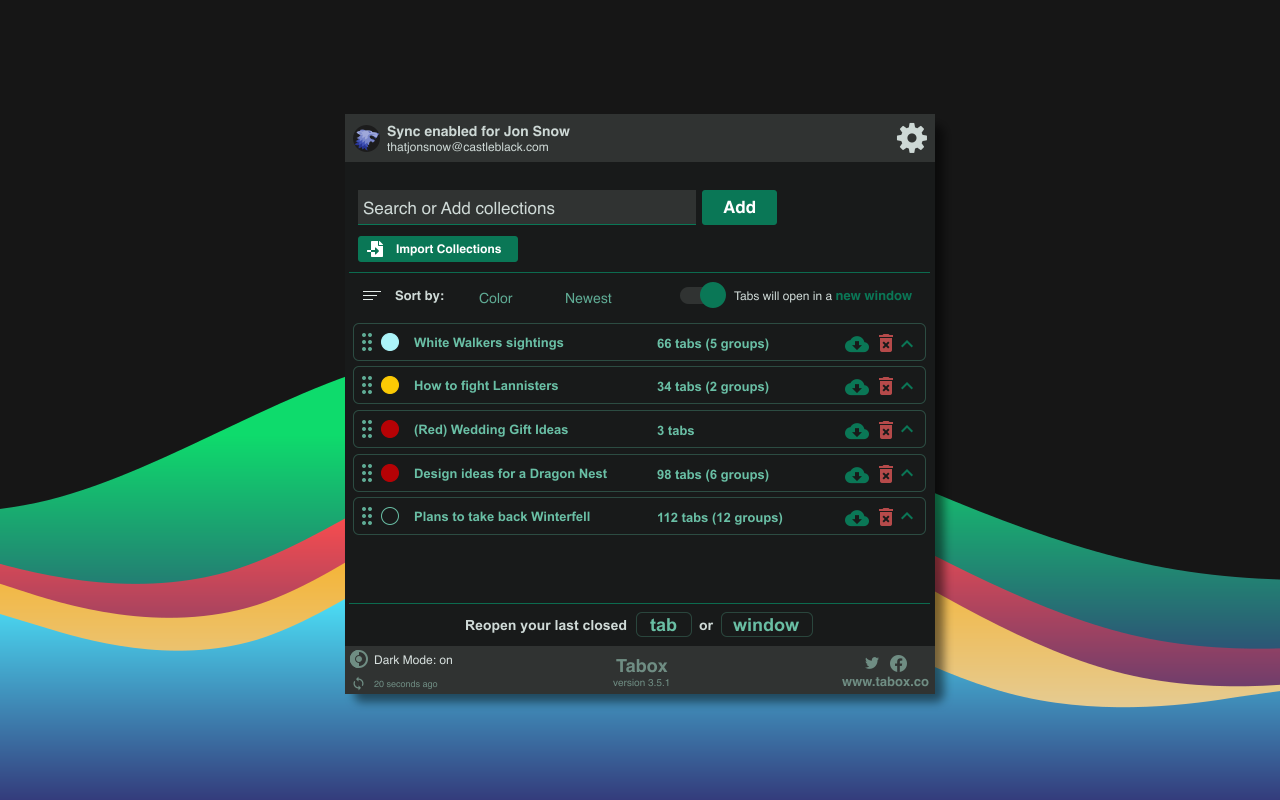 Organize your browser tabs and tab groups into collections with Tabox - a free extension for Chrome and Edge
36. Keep Trackers and Advertisers at Bay with these Browser Privacy Tips
 Although privacy becomes a priority among browser-creators, they may not go that far as you think. You may want to be as anonymized as possible or fighting in any chance to avoid ads on the internet. So let’s take a look at how to tweak your browser settings to enhance your internet privacy.
37. 8 Great Chrome Extensions for Designers and Creatives
 These extensions will be the best assistance to the designers for creating powerful designs and also, to increase productivity. Good digital branding is responsible for the growth of a company. Thus, the creation of amazing designs should never cease.
38. 10 Useful Tips & Tricks That Will Help You Make the Most of Chrome Devtools
 Chrome DevTools is the ultimate swiss army knife for analyzing and understanding what happens on any page from the perspective of a web browser.
39. Remotely Control Youtube With This Command-line Approach on Linux
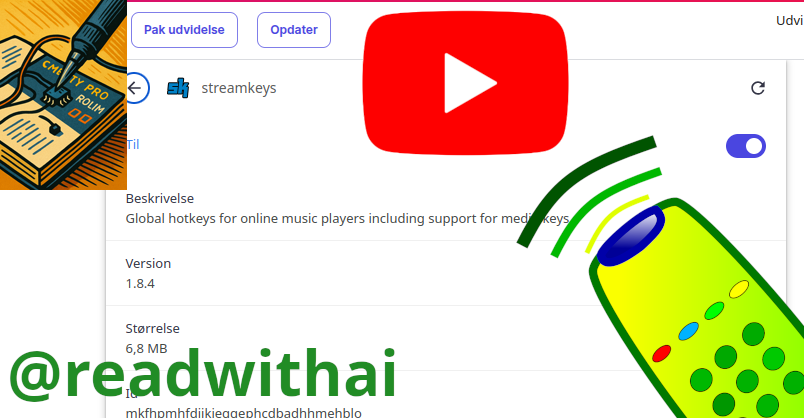 You can control youtube form the command in linux. But it's a little work.
40. Poking around Chrome Extensions
 If you want to learn how to do Chrome Extensions, then one under-appreciated way of learning is to poke your nose into other people's extensions!
41. Dear Writers With Slow Laptops: Have You Heard About Chrome OS Flex?
 If your laptop is slowing you down and you can't afford a new one yet, give Chrome OS Flex a chance. All you need is a USB drive (8GB or more).
42. Understanding Chrome V8 — Chapter 14: What is Dynamically Typed JS
 "Let's Understand Chrome V8" are serial technology articles that explain the V8 code, it covers many V8 kernel functions and fundamentals.
43. Front End Debugging Part 3: Debugging Networking Communication Issues
 Practical tips for debugging front-end network issues using browser developer tools, with insights on request replay, throttling & storage management.
44. The Chrome Debugger is easier to use than you might think
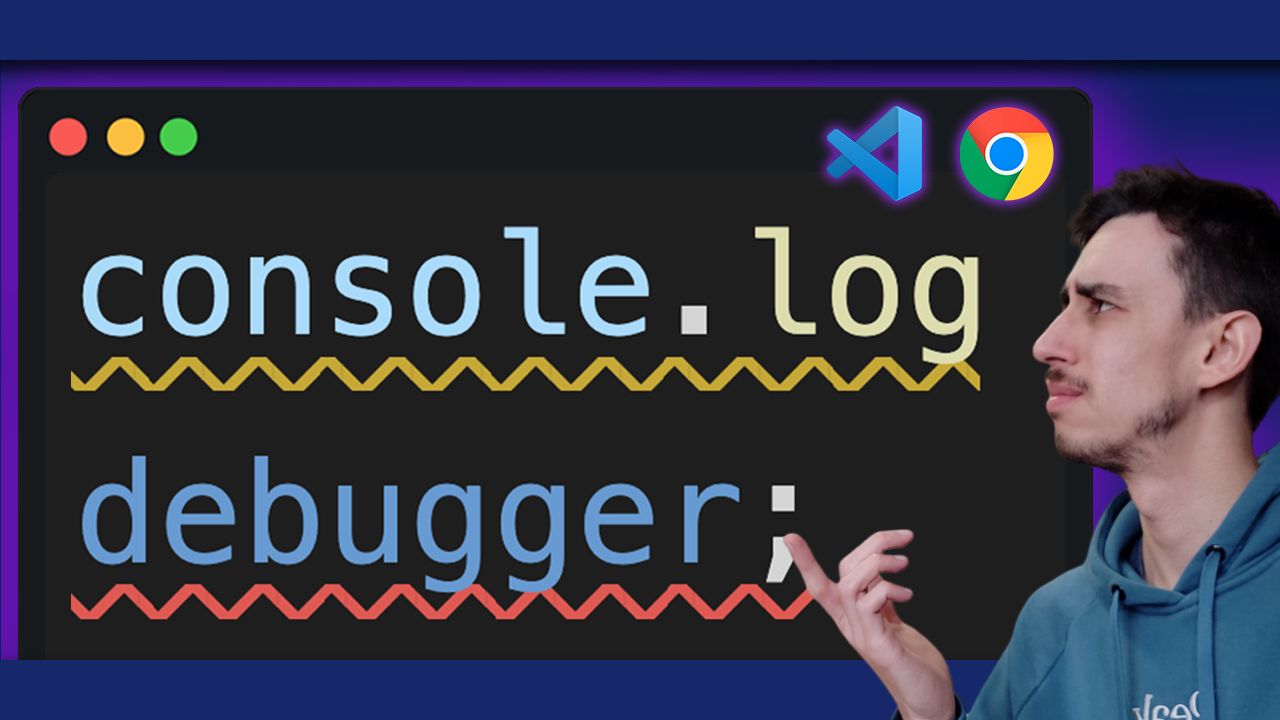 Chrome Debugger is so much better than using console logs. It's easy to use, no configuration required and it just works.
45. Was it Smart to Switch from Linux to ChromeOS Flex?
 My personal experience with switching my computer's OS from Linux to ChromeOS flex.
46. How to Avoid Chrome Flagging Your Web Push Notifications (And Why Most People Get It Wrong)
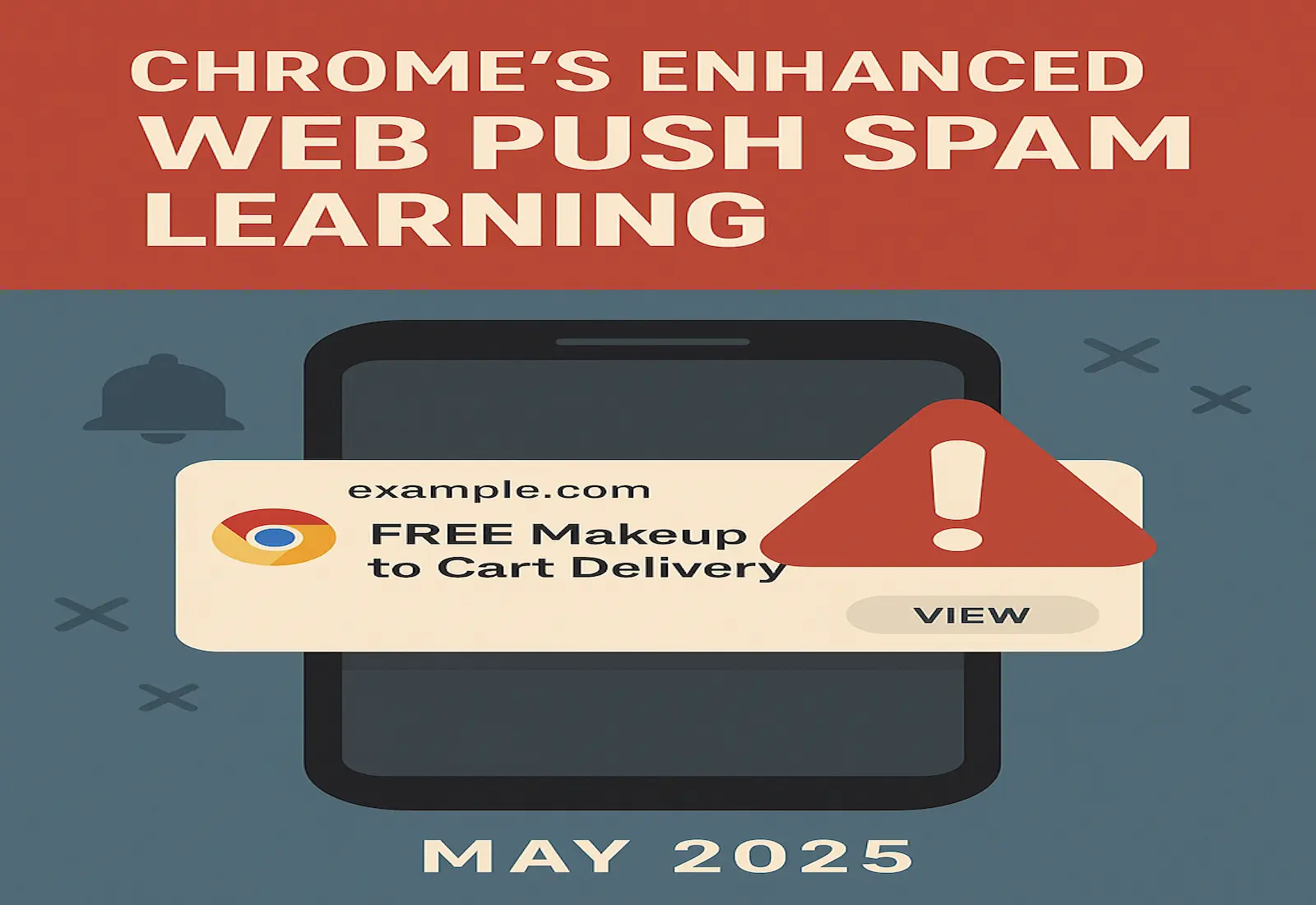 Learn why Android Chrome flags web push notifications and how to stop 'chrome detected possible spam' warnings from blocking your messages.
47. Chrome Extension for Learning English
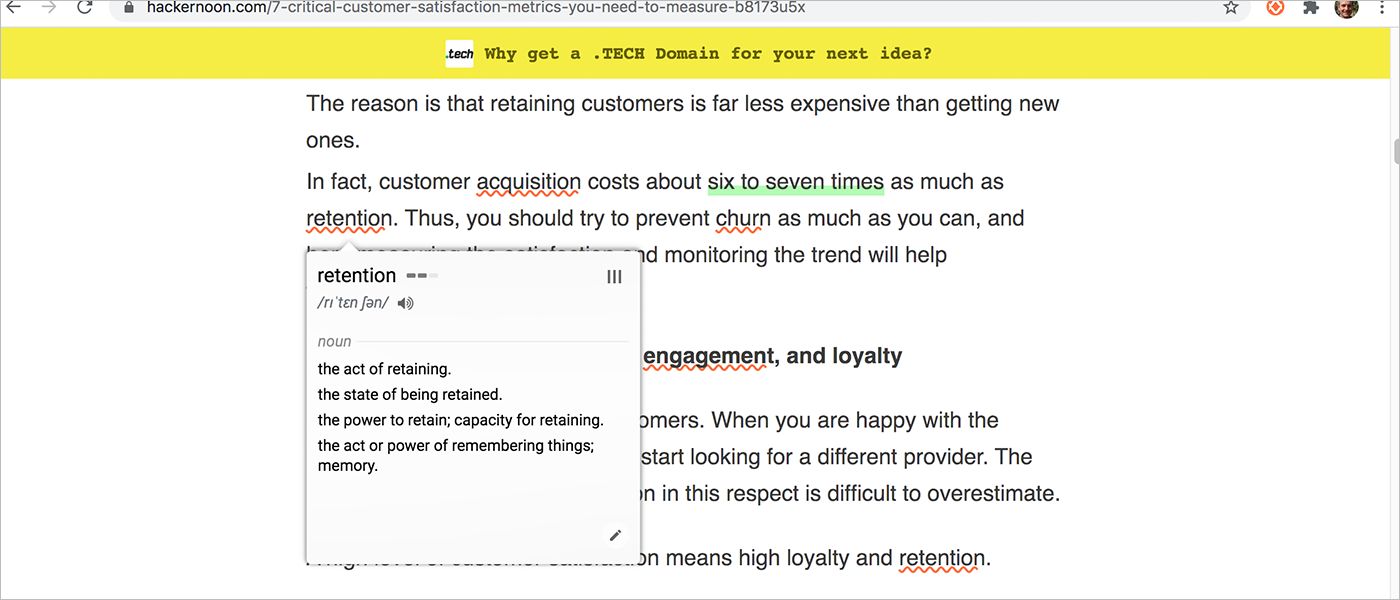 With this browser extension, you can mark and save the words you don’t understand while using your favorite online sites.
48. 5 Best Google Chrome Extensions to Boost Productivity
 Although we’d like to believe otherwise, most of our life is run on computers. Screen times continue to soar as we become inseparable from our devices. From entertainment on Netflix to weekly planning on your phone, we find ourselves more dependent on technology every day. One device, however, reigns supreme; especially for the busy workdays. The traditional computer has become an essential device for every working class adult, and with it comes the heavy reliance on the internet browser. Some of us can barely imagine what life was like before Google.
49. Why Would Google Be Against the URL??
 Google wants to change a major part of web browsing by killing the URL, in parts though. After their first step was successful, here’s what they plan for the second step.
50. 6 Chrome Extensions That You’ve Never Heard Of But Should Try Out
 There are two types of people when it comes to using browser extensions. You have them all or you have them none. The adventure starts with just one install button. Then, you're lost in the extension world. You’re adding a new one to your browser week by week. But what are the best Google Chrome extensions that you need to have?
51. A Guide to Creating True Cross-Browser Extensions
 Since there are no common standards, browsers are using multiple instances like chrome and browser of the same object.
52. Introducing Tour My Pull Request For Github Extension
 Problem
53. Dealing with My Annoying & Malicious Chrome Extensions
 As much as we love Chrome extensions and the ease they bring to use while surfing the web, it is wise to note that not all of them are authentic.
Thank you for checking out the 53 most read blog posts about Chrome on HackerNoon.
Visit the /Learn Repo to find the most read blog posts about any technology.