

Let's learn about Windows via these 110 free blog posts. They are ordered by HackerNoon reader engagement data. Visit the Learn Repo or LearnRepo.com to find the most read blog posts about any technology.
Windows is Microsoft's ubiquitous family of graphical operating systems for personal computers. Windows is critical as it serves as the primary computing platform for billions worldwide, powering everything from productivity to entertainment and software development.
1. Here's How To Fix Your Ethernet If It's Not Working
 If your WiFi is working properly but your wired ethernet connection isn't, here's a bunch of things you can do. The first thing you need to do is turn off the WiFi. Right-click on the WiFi icon in the notification area and click "Open Network and Internet Settings". Go to the WiFi tab and use the toggle to turn it off.
2. How To Install Bash On Windows 10
 Microsoft recently joined hands with Canonical (the parent company of Ubuntu) to bring the entire userland into Windows, minus the Linux Kernel. So as a result, you, as a developer, get access to the whole range of Ubuntu command-line tools and utilities with bash shell integrated with Windows. Let’s look at how we can install Bash on Windows 10 and take full advantage of the new feature.
3. Top 11 Powerful Keyloggers for Windows
 Source: Pexels
4. How to Make a Malicious USB Device and Have Some Harmless Fun
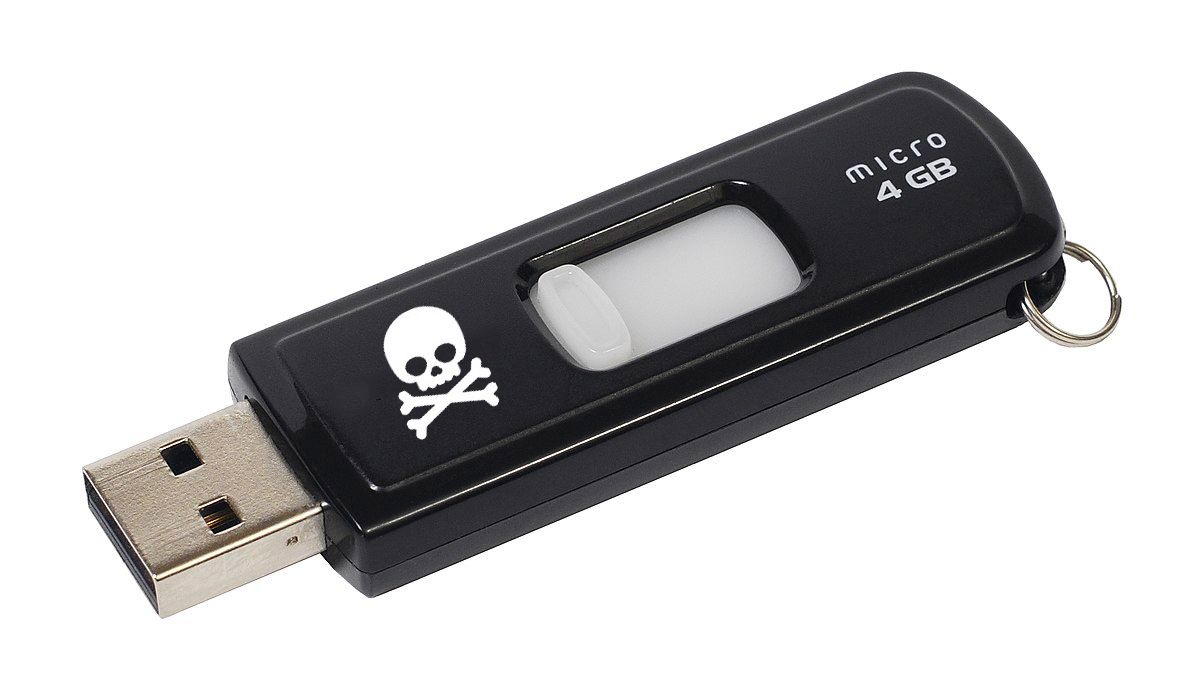 Make an inexpensive BadUSB from an old USB drive and learn about Windows shortcut files and how malicious actors are using .lnk files to spread malware.
5. How to Run Podman and Docker-Compose on Windows
 One of the most common tool to develop software is container. This guide helps you to configure correctly podman and docker-compose on Windows using WLS2.
6. Windows Sticky Keys Exploit: The War Veteran That Never Dies
 Did you ever hear of Sticky Keys Exploit? You probably did, since it has been known for ages. It was used as an exploit many times, fought in many windows versions, and it has never been killed. That’s why I’m calling it the “War Veteran”, although it never retired…
7. Windows 11 Running Slow? Here's How to Improve SSD Performance
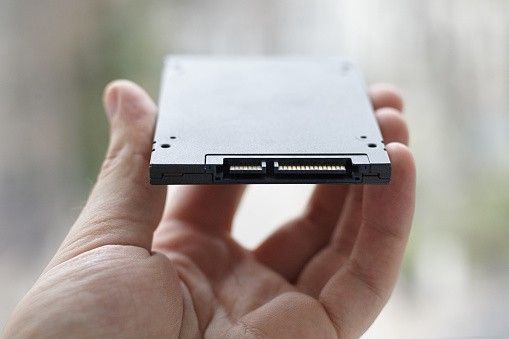 Though solid-state drives (SSDs) are meant to be fast, even they have things that can slow them down. Here is a list of the best ways to optimize the speed of S
8. Why Programmers Love Macbooks?
 MacOS was first released in 1984, which makes it even older than Windows. At first, it came to light as a graphical user interface, but in 2005 its design and structure were changed to Intel x86 based architecture. Apple’s computers are great pieces of machinery – that’s beyond debate. But why are they so popular among programmers?
9. Virtualization and Emulation on MacOS
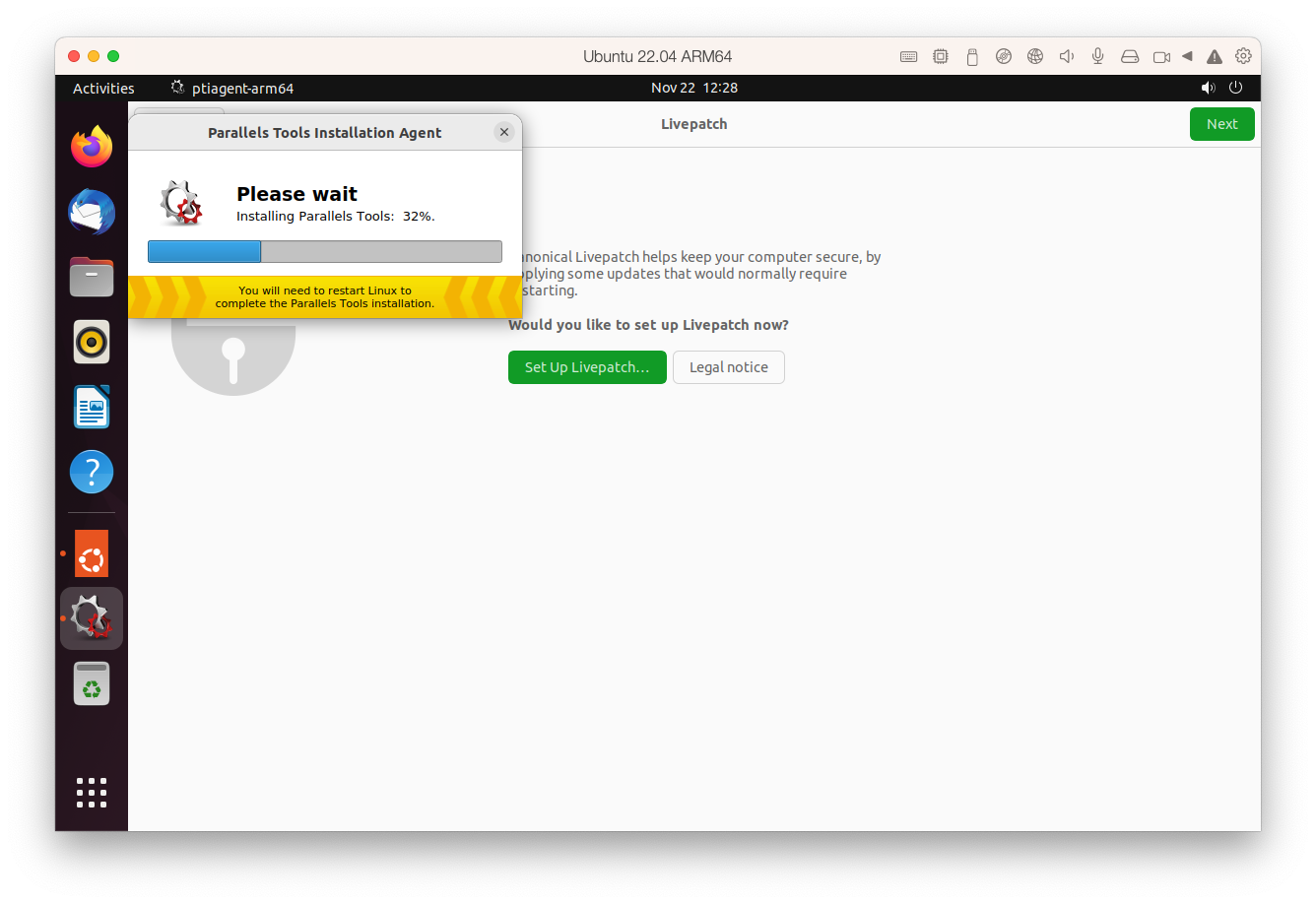 Want to run Windows, Linux, or any another operating system on your Mac? Here are your options!
10. How To Setup a Python Virtual Environment on Windows 10
 Creating a Python Virtual environment will allow you to work on an isolated copy of Python for specific projects without interfering or impacting the working of other ongoing projects.
11. How to Temporarily Resolve CORS Error in the Console
 You may have exhausted all solutions to make your site render on the browser but nothing seems to work. Then, you’ve checked the developer tools console only to get an error saying that CORS is blocking your API requests.
12. What to Do Before Selling a Computer
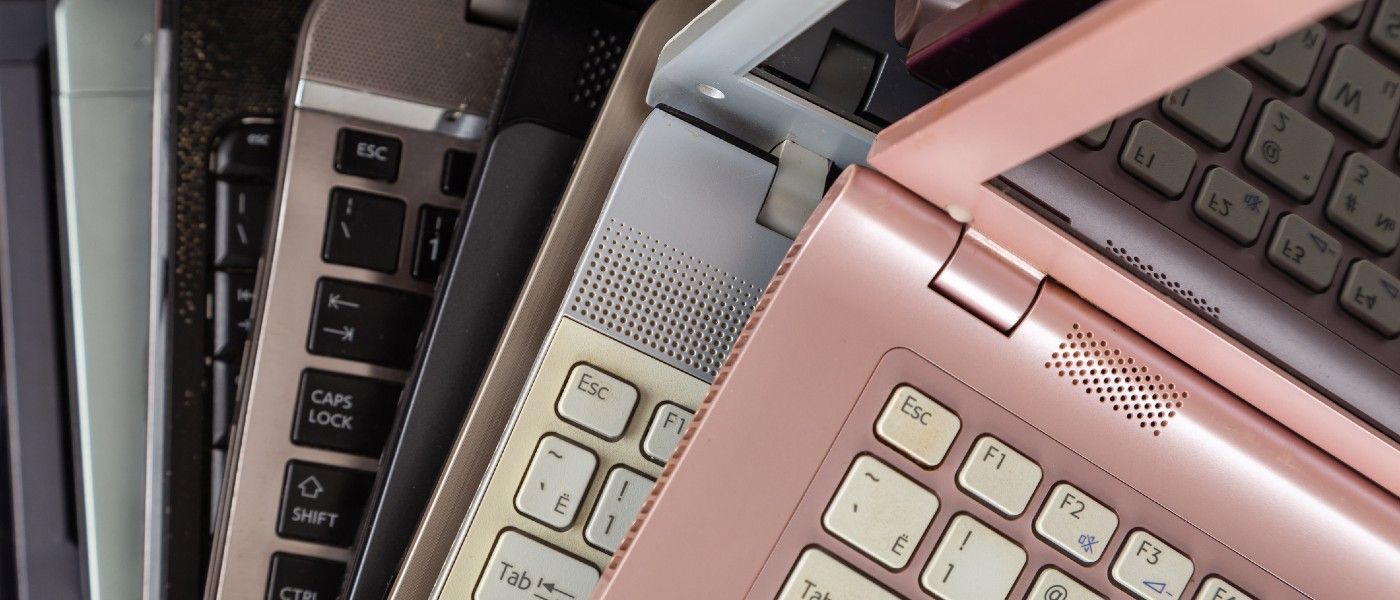 Planning to sell your computer? Here's everything you need to know to get it done right.
13. Crack Wifi Handshake Using Hashcat in Windows
 You can use GPU power for hacking the world.
14. Node Version Manager (NVM): How to Install and Use (Step-by-Step Guide)
 In this article, I will tell you how to install Node Version Manager (NVM) on your computer step by step in a more optimal way.
15. How to Hack a Windows Machine Like a Pro Hacker
 In this article, we are going to discuss how we can hack into a windows 10 operating system using some really cool tricks and some highly advanced hardware.
16. How to Use ShellJS to Combine Bash Shell Commands and Javascript
 If you are looking for a way to use Bash shell, or Unix shell commands within Javascript to automate your workflow, then ShellJS is the perfect library for you.
17. Your Computers Are Not Really Yours - Part 1: BitLocker Is Kinda Ransomware
 if you’re using your personal computer - or if you’re a part of a small office that just bought and shipped the computer to you, you’re in the dock too…
18. How to Setup the WiX Toolset
 WiX Toolset creates Windows installation packages from XML source code. The toolkit offers both a command-line environment and the newer MSBuild technology.
19. How Can I Change My IP Address and Check Online?

20. How to Set Up Ruby On Rails on Windows 10
 Once upon a time, installing Ruby on Windows came with a myriad of problems (at least my search history can attest to that), but things have come a long way.
21. How To Redirect USB Dongle: Hyper-V USB passthrough
 Majority of software programs require a hardware USB dongle in order to produce correct results. And what if you need to work with such a program in virtual environment where you cannot plug the dongle? There is no full-blown mechanism for connecting USB devices to virtual machine in Hyper-V, so when server is virtualized, all references with USB bus and USB devices connected to it are gone.
22. How to Run a Ducky-Script Fake Windows Login
 This article will guide you through the process of setting up and using he Ducky-script-Fake-Windows-Login!
23. Accessing Network Apps Running Inside WSL2 from Other Devices in Your LAN
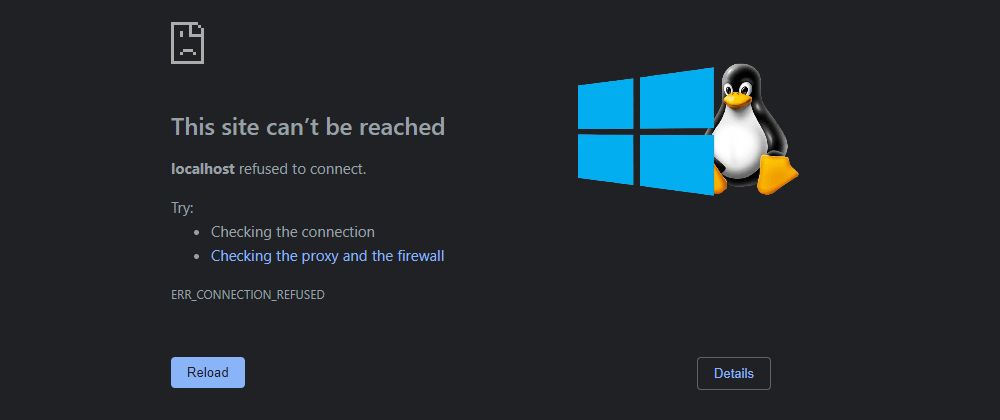 In this article, I explain how to tweak Windows and WSL networking to bypass WSL NAT and connect to development servers inside WSL from other devices in LAN.
24. Top 25 Employee Monitoring and Time Tracking Apps for Windows/MAC
 Many companies today install various tracking apps on their employees’ computers and check if their team members are productive during the working day. Such an extreme approach to monitoring what the staff is doing is due to the lack of employees’ efficiency at the workplace and to the employer’s desire to prevent data leakage and other unwanted actions. Before we go through the list of the most popular and effective programs to monitor employees’ activities at the workplace, let’s take a look at the most efficient ways to find out if your company is monitoring you.
25. Efficient Data Deduplication: Optimizing Storage Space with NTFS, ZFS, & BTRFS
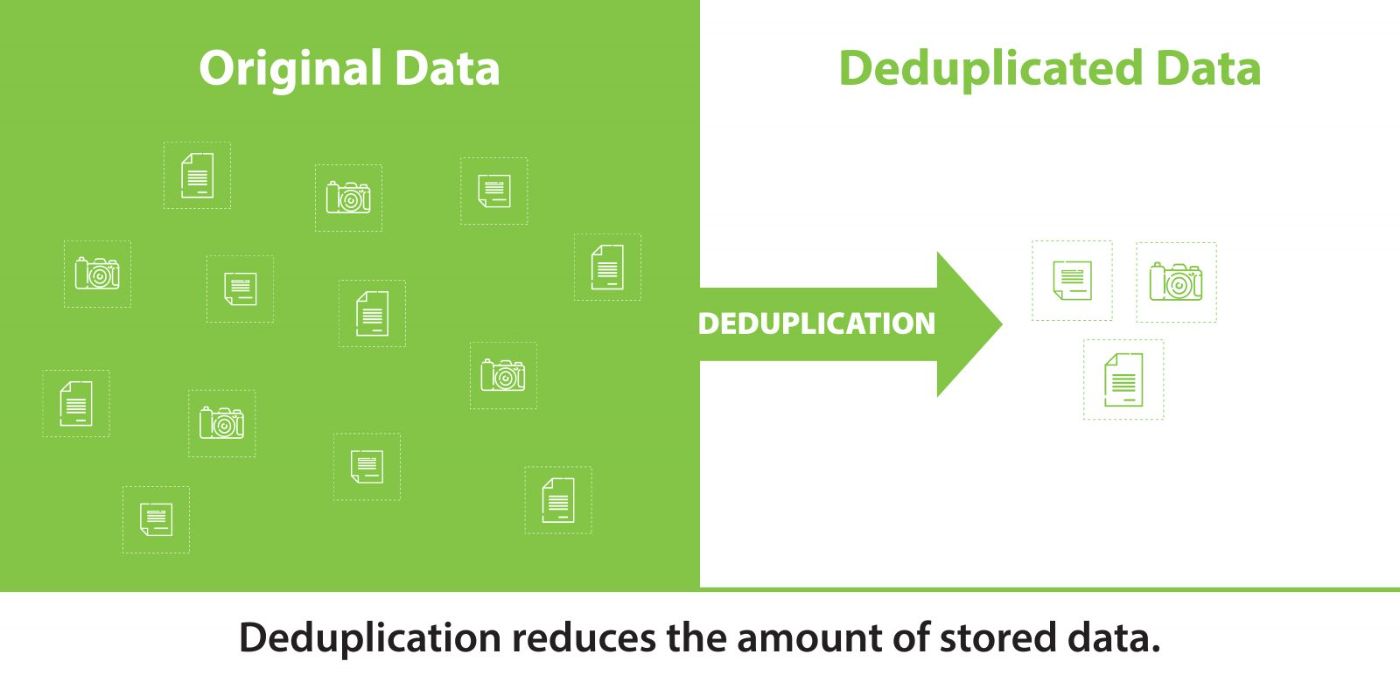 Deduplication serves a variety of purposes and can be applied in numerous scenarios to address specific challenges effectively.
26. How to Fix IRQL_NOT_LESS_OR_EQUAL Driver Issue
 If you are getting IRQL_NOT_LESS_OR_EQUAL error on your screen, then this could be a driver issue. It turns out to be more frustrating when you are doing an essential task on your device. Windows 10 users get this error frequently. But now you can fix this issue by yourself. In this article, you will find different ways to remove the problem from your device. Moreover, the reasons for this issue are also listed in it.
27. How to Set Up a Windows IPv4 Client With an Ubuntu WireGuard Server
 Step-by-step tutorial to correctly configure a Windows client to work with an Ubuntu WireGuard VPN server.
28. Setting up a Development Workflow in the Windows Terminal
 For decades, Windows users have been made fun of by the Linux community for the lack of a cool terminal (among other things). Well, it's about time we fight!
29. How to Protect Folders And Files in Windows using Passwords
 Sometimes, we need to apply a bit of extra protection to the data on our computers. We might want to protect our tax records from prying eyes, or lock away business plans from our competitors. Or we might just want to ensure that any children with access to our device can't access inappropriate content.
30. 8 Best EPUB Readers for Windows and macOS
 It is a program that uses for reading books. It is built for Mac and Windows. With an EPUB reader, users can convert EPUB files to pdf documents instantly.
31. How I Built 7 Apps in 16 Hours
 The Story
32. How to Increase Space in C Drive on Windows 10 Without Losing Data
 If you receive a low disk space warning on your C: drive, you may use the Disk Cleanup utility to remove temporary and unwanted downloaded files.
33. Collecting and Shipping Windows Events Logs with OpenTelemetry
 If you use Windows, you want to monitor Windows Events. I'll show you how to easily monitor Windows Events with OpenTelemetry.
34. Windows CE End-of-Life: How to Migrate and Keep Your Medical Device OS Updated
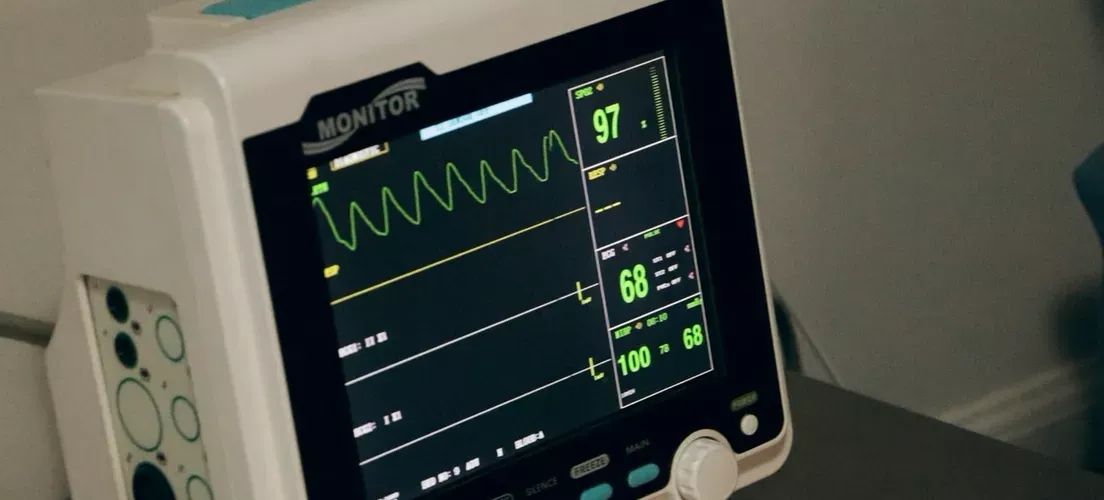 Get a brief review of migration options and a checklist of the steps to be taken for a successful transition from this legacy software
35. Unlocking IaC Part 2: Setting Up Terraform on Windows for AWS
 Learn how to set up Terraform on Windows for cybersecurity professionals. Discover the prerequisites and get ready to deploy your first Terraform script.
36. Spotify Hits Windows Software That Downloads Tracks & Removes DRM

37. What is the Best Operating System and Programming Language for a Hacker?
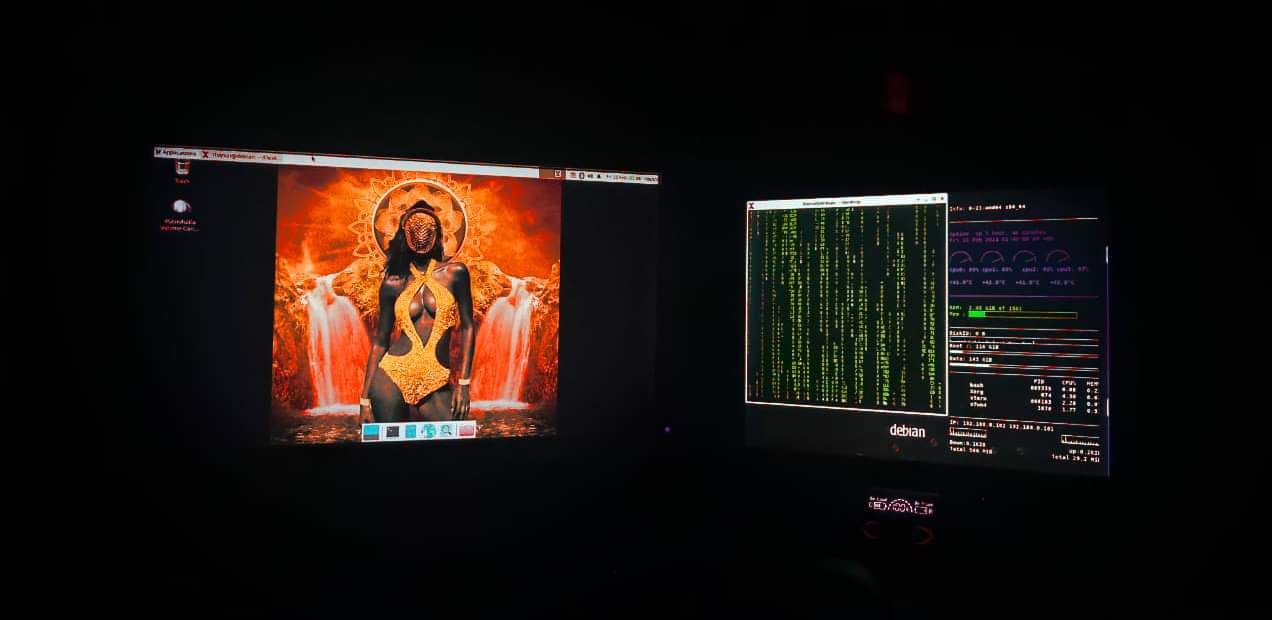 It is the geeky thinker who uses an operating system along with programming and scripting languages to solve problems and automate tedious and monotonous tasks.
38. How to Reopen Closed Tab Chrome: Restore Chrome Tabs on Phone and PC
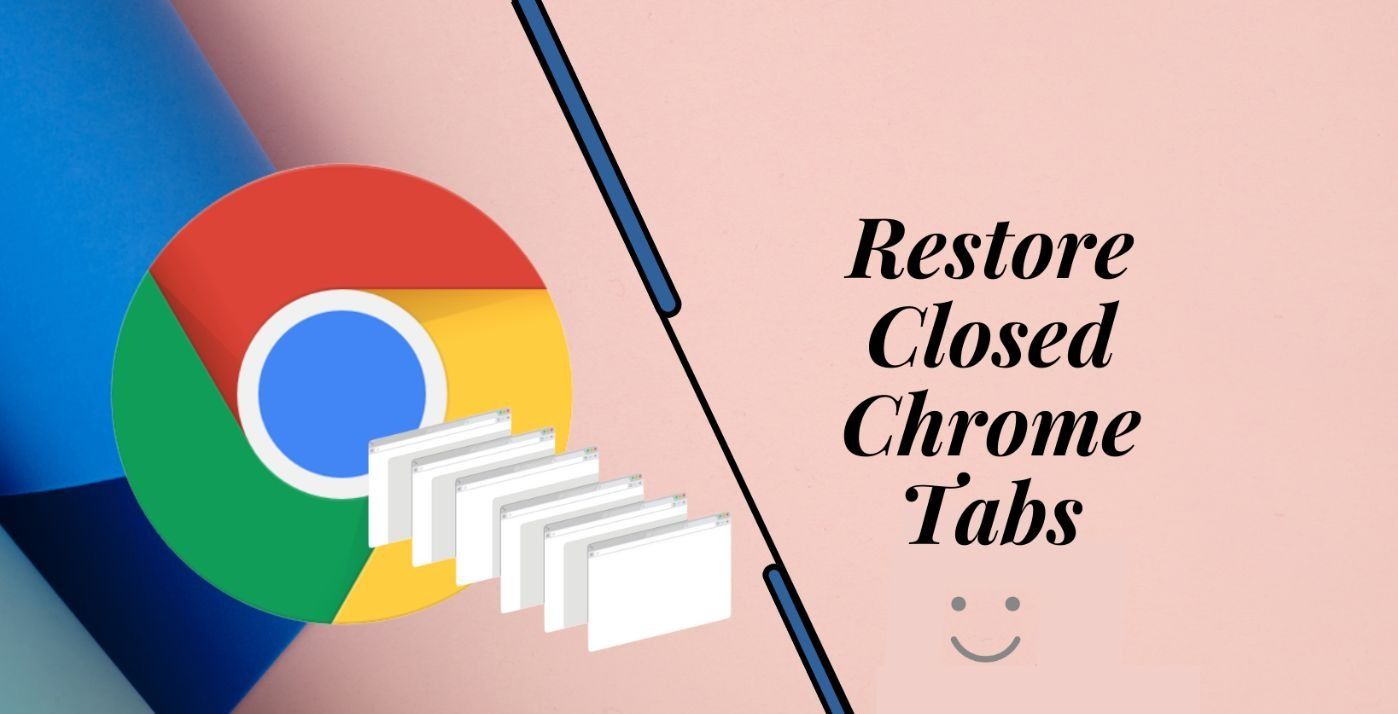 The easiest and quickest method to restore a Chrome tab is using the keyboard shortcut. Shift+Ctrl+t or Shift+Cmd+T, Go through Recently closed, Try History
39. Windows 11's New Focus Mode Is Pretty Useful
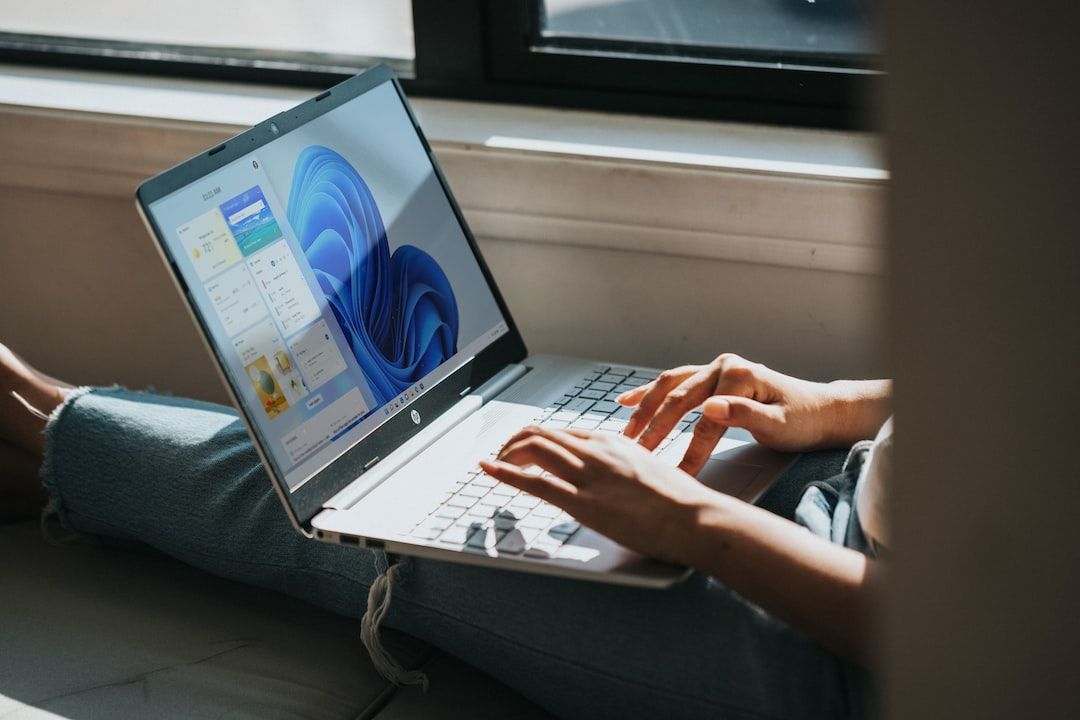 The new Focus Mode feature is a useful tool that helps you get more productivity out of Windows 11 in a simple way. Though that simplicity does cut both ways
40. Why Linux is Better Than Windows
 Around Linux, myths have always wandered that it is a convenient OS exclusively for a narrow circle of people who understand code.
41. Windows Versus Linux: An Honest Review
 An honest view of Windows vs Linux: a comparison done by an experienced Linux enthusiast.
42. An Interview With PowerShell Inventor Jeffrey Snover
 Snover is the inventor of Windows PowerShell, an object-based distributed automation engine, scripting language, and command line shell.
43. Troubleshooting SSL: Why Your SSL Certificate Isn't Working on Windows
 SSL certificates are stored in various file formats, each with its own structure and purpose.
44. What does your workstation setup look like?
 This Slack discussion by austin, Rianke Krugel, Limarc, Linh and Arthur occurred in hackernoon's official #slogging-beta channel, and has been edited for readability.
45. Microsoft Urges Users Not to Remove Expired Windows 10 Root Certificate
 The root Windows certificate expires on December 31, but it is still required for the OS to function properly.
46. EKS Windows Node 30s Boot Now Possible - Start as Fast as Linux! (eks-windows-bootstrapper - Part 2)
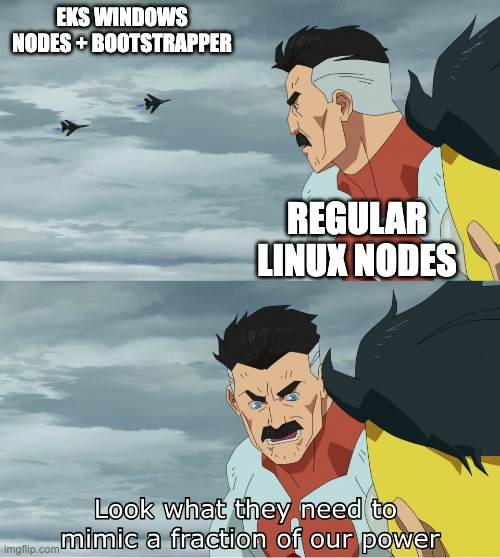 I threw in some tricks I used to make our Windows EKS nodes start in the 90s rather than the 5 minutes a standard EKS Windows node takes.
47. 3 Best DVD Ripper Software for Windows and Mac
 We all know that a DVD ripping software works by transferring a video into DVDs, back up or edit a DVD content, as well as to convert a DVD video into the media player and mobile devices playback.
48. How to Provide Support for React Native Apps on the Windows Platform
 React Native is a framework developed by Facebook that is used to build the application on native platforms. It is preferred by most developers, due to its speed, agility, and ability to build hybrid applications in multiple platforms with an interactive user interface (UI).
49. Desktop Application Development in ElectronJS Using Angular
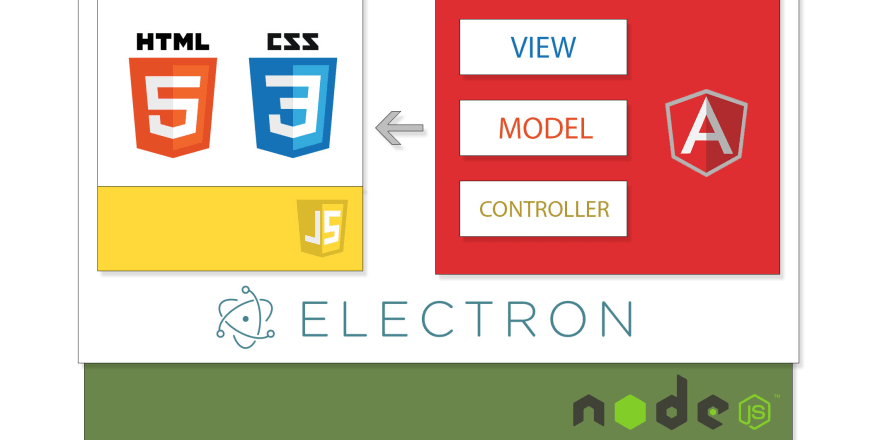 As of today, a program is an interface, a bridge between a computer and a user. There is another word that has been labeled to it, which is called an application. An application would be a good use of anyone's time in making themselves productive. Well, considering the smartphone count in regards to the personal computer count, there are more mobile applications than desktop applications. This leaves a very big grey area for the desktop users, in finding applications that are productive.
50. Game Dev for Beginners: Compiling a Cross Platform And Building a Retro Game Umoria
 Looking to get into development? Have a soft spot for old console based RPG games? Why not build Umoria! A Rouge clone created in a day of limited graphics - but nevertheless a very addicting game for the time. I would say one of the more memorable games that got me interested in coding (game was so hard I wanted to reverse engineer the save format).
51. Microsoft and ARM: A Rocky Romance A Decade in the Making
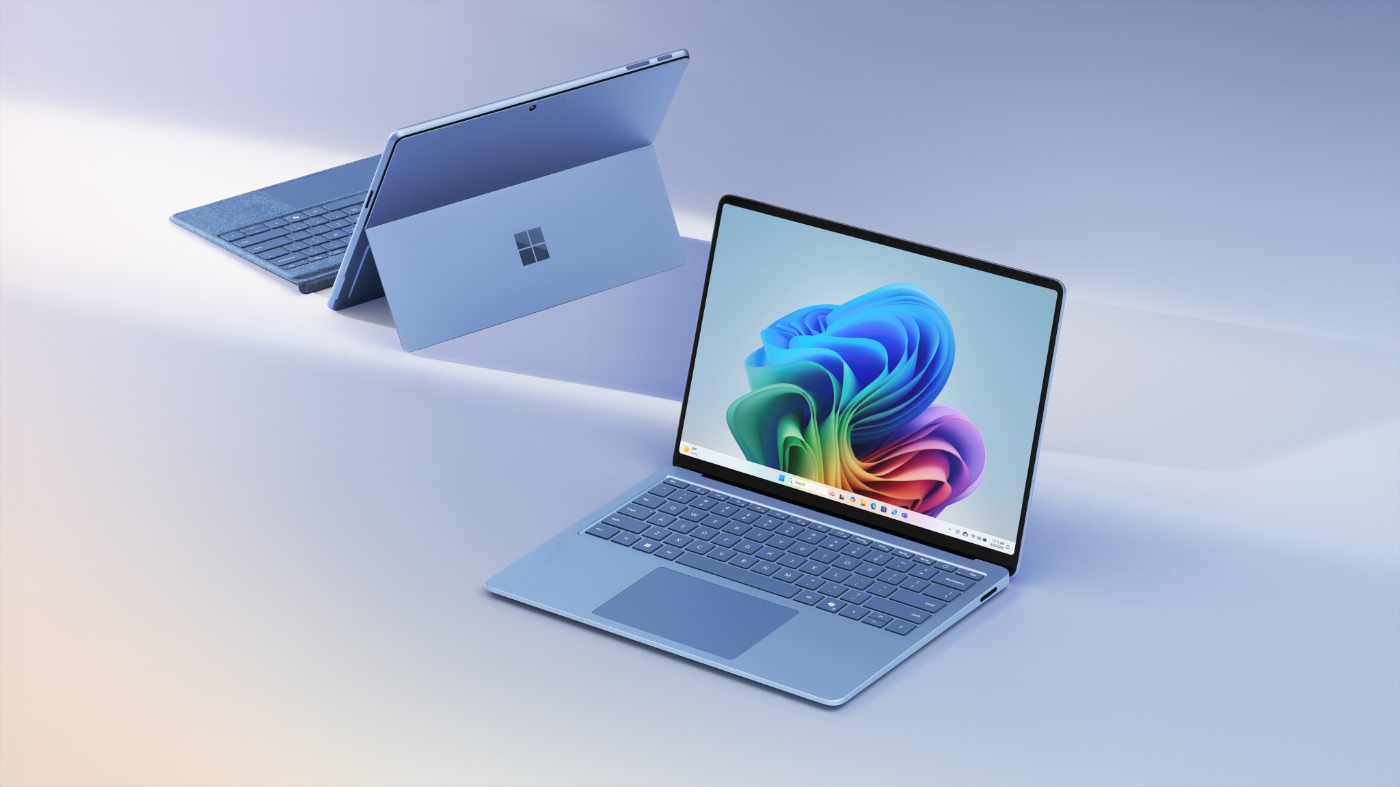 Microsoft's Copilot+ strategy is brilliant: building unique AI experiences that will become essential for Windows on ARM.
[52. 7 Reasons Why You Should Switch
To Linux](https://hackernoon.com/7-reasons-why-you-should-switch-to-linux-rp6f3wd6)
 Your current computer or laptop shows the same performance no longer? This is absolutely no reason to choose new hardware and invest money in buying a cut edge device. We know a much more attractive solution. It is Linux!
53. Choosing the Right Linux Distro for You
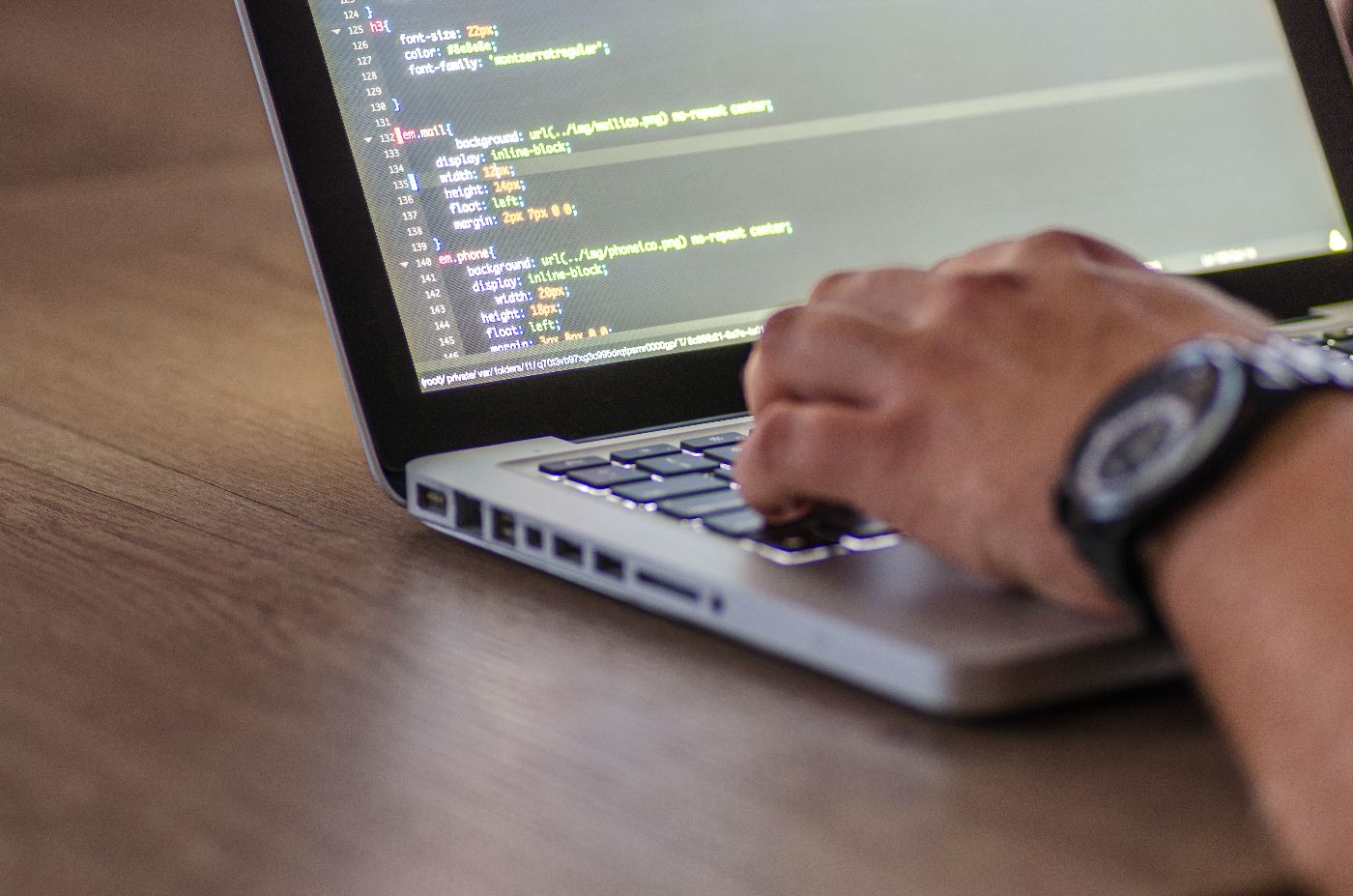 How to choose the right Linux distribution for your personal computer.
54. 5 Best Screen Recording Programs for Windows
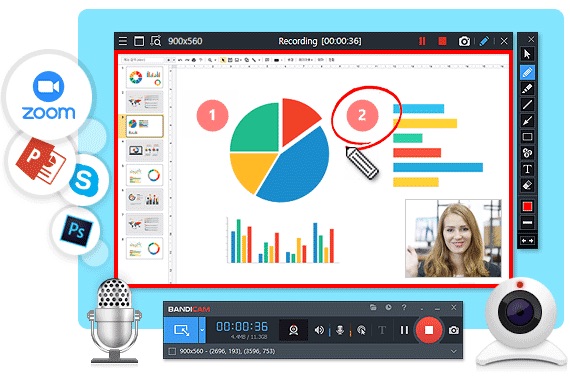 So you want to create professional-looking screencasts, or record demos for your business, podcast or blog and provide a tutorial for your users?
55. 3 Best Data Recovery Tools for Windows and Mac
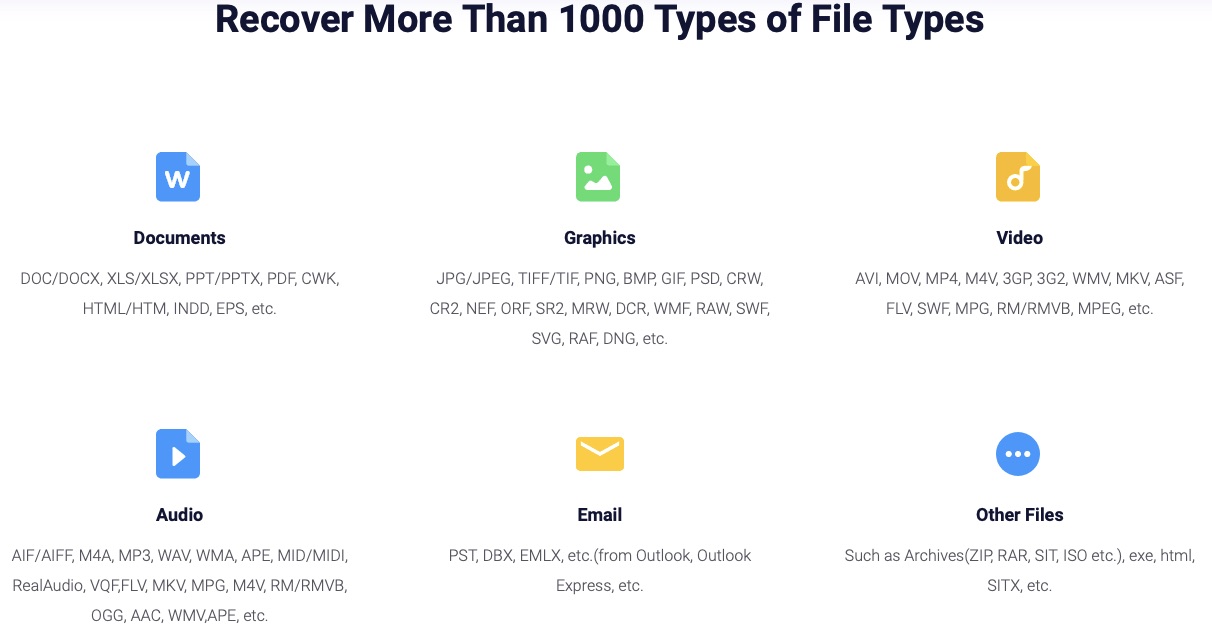 Going through a hard drive crash and having to start your data recovery efforts all over again from scratch can be frustrating and time-consuming.
56. How To Disable Cortana In Windows 10

57. How To Partition A Hard Drive [Tutorial]
 Partitioning allows you to create a segment on a single drive to separate programs from files or install a second operating system.
58. Windows Firewall Setting for QuickBooks Multi-User Setup
 QuickBooks users get the option to configure firewall ports automatically or manually. To configure QuickBooks firewall ports automatically, follow these steps.
59. How to Install Windows on Disk With Linux
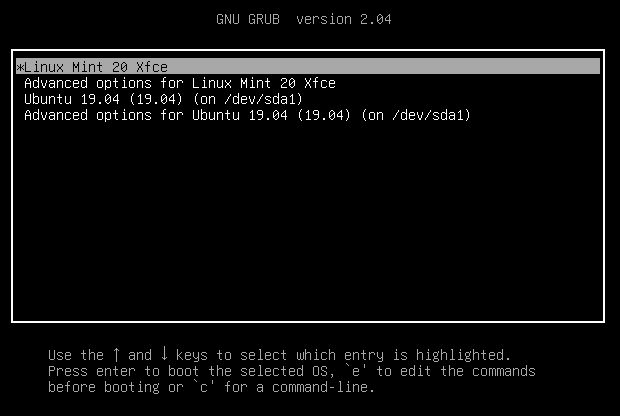 Setting up a dual-boot system on a PC typically requires installing Windows first and then Linux.
60. Deskreen Introduction: Turn Any Device With Browser Into a Secondary Screen
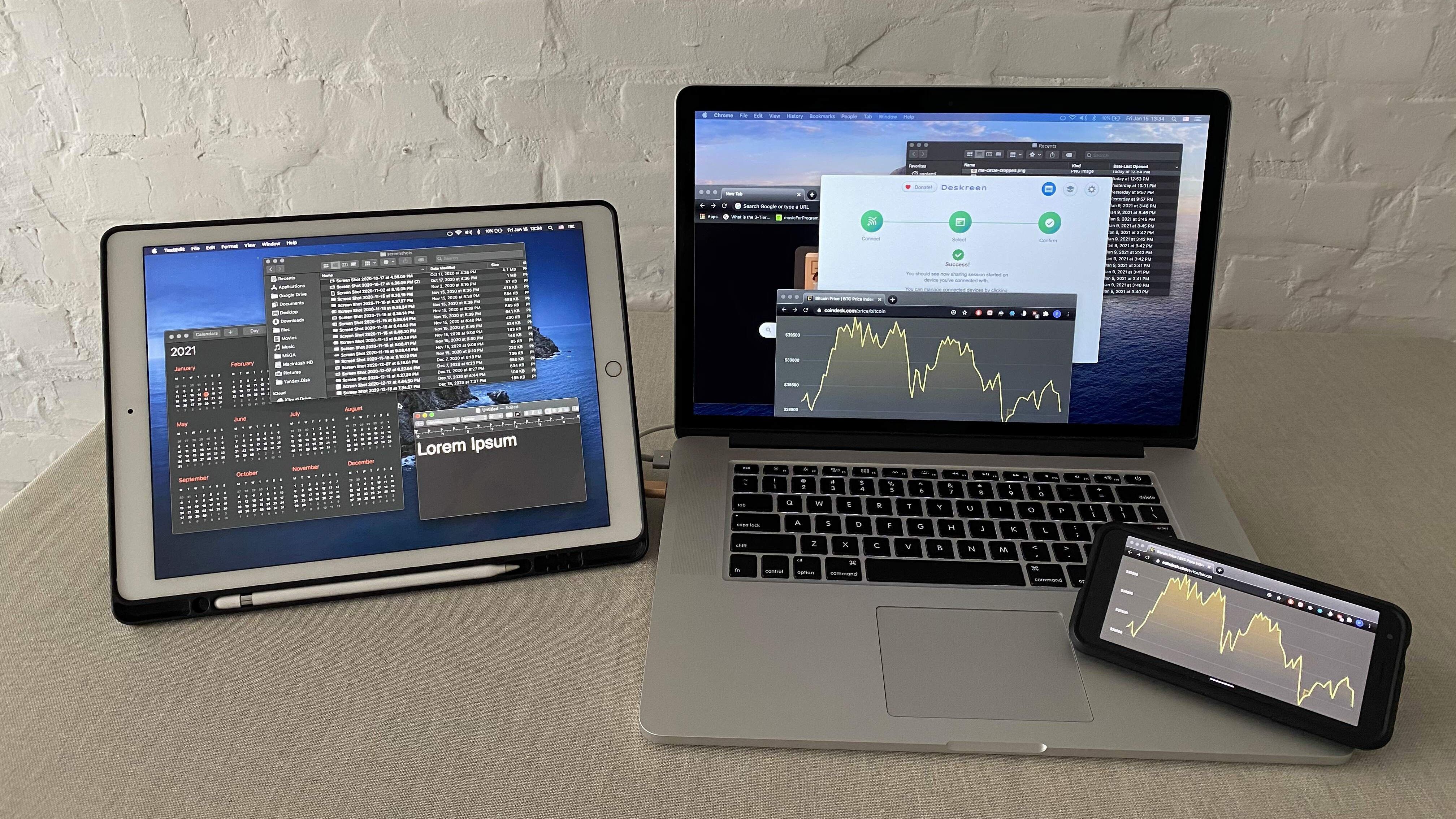 I created Deskreen. It turns any device with a web browser into a secondary screen for your computer
61. My Personal Guide to SQL Window Functions (Part 1)
 First introduced as part of the SQ:2003 Standard and available in MySQL 8.0, window functions in MySQL are compelling, but the syntax can be difficult to grok.
62. How You Can Build Electron Desktop Application Using React [Beginners]
 Introduction
63. Easy Windows Subsystem for Linux(WSL) Setup to get you Building Apps in Minutes
64. How To Check What Motherboard I Have
 The knowledge of the motherboard is essential for you as it helps you to decide whether you should upgrade your drivers or not. And to what extent you can update your drivers. Someone might suggest you look for the information on your computer system, but that is not understandable to all. We will help you in figuring out your query.
65. Linux Fanboy Meets, Struggles With, and Wins Against a Windows 10 ISO
 Recently I decided that it was time to bite the bullet and start using Windows 10 on at least one of my main computers. I'm pretty new here, so you probably don't know that I'm a big fan of Linux.
66. Setting Up a Windows Subsystem for Linux
 Discover how installing WSL can revolutionize your development workflow, bridging the gap between Windows and Linux for seamless website development.
67. Publishing Flutter Windows Apps to the Microsoft Partner Center
 How to get your Flutter Windows Apps successfully published on the Microsoft Partner Center after they've been developed and are ready for distribution.
68. Quick Guide to Install Node, Yarn, Git and VSCode on Linux, Mac, and Windows
 How to install Node, Yarn, Git and VSCode on Linux, Mac and Windows, a simple and easy guide to follow.
69. The Noonification: Innovation Is Slowing Down (10/19/2022)
 10/19/2022: Top 5 stories on the Hackernoon homepage!
70. Are Macs Safer than Windows PCs? - Tech Myths Busted
 The idea that Macs are safer than Windows PCs is a severe misconception among a large ratio of individuals
71. How to Perform a Static Analysis of Your Project Executables!
 Static analysis of final product executable files will help uncover security, format, optimization, and other issues, not covered by code analysis tools.
72. How To Use Cortana In The Microsoft Edge Browser
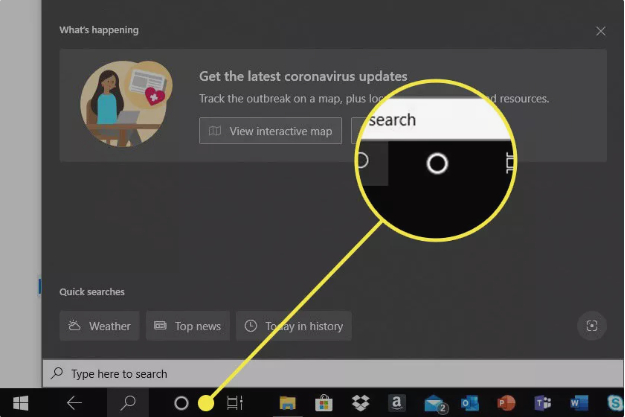 Cortana, the menial helper incorporated into Windows 10, empowers you to finish a scope of undertakings by composing or talking easy to use orders into your PC’s amplifier. Empowering Cortana in-program settings in the Microsoft Edge internet browser gives much more advantages.
73. Microsoft's Monopoly in the Operating Systems Market for Intel-Compatible PCs
 United States Of America. v. Microsoft Corporation Court Filing by Thomas Penfield Jackson, November 5, 1999, is part of HackerNoon’s Legal PDF Series.
74. 81 Essential Windows Keyboard Shortcuts
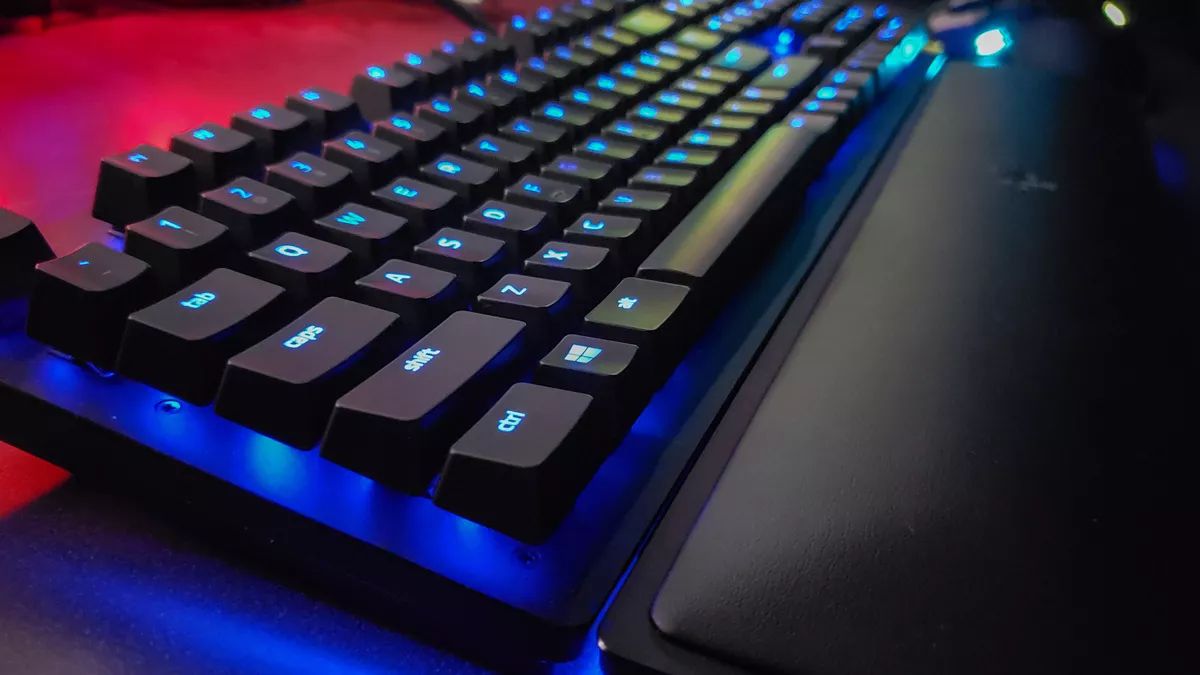 81 Windows Keyboard Shortcuts to improve your
75. Try These Steps for Increasing Privacy and Security on Windows 10
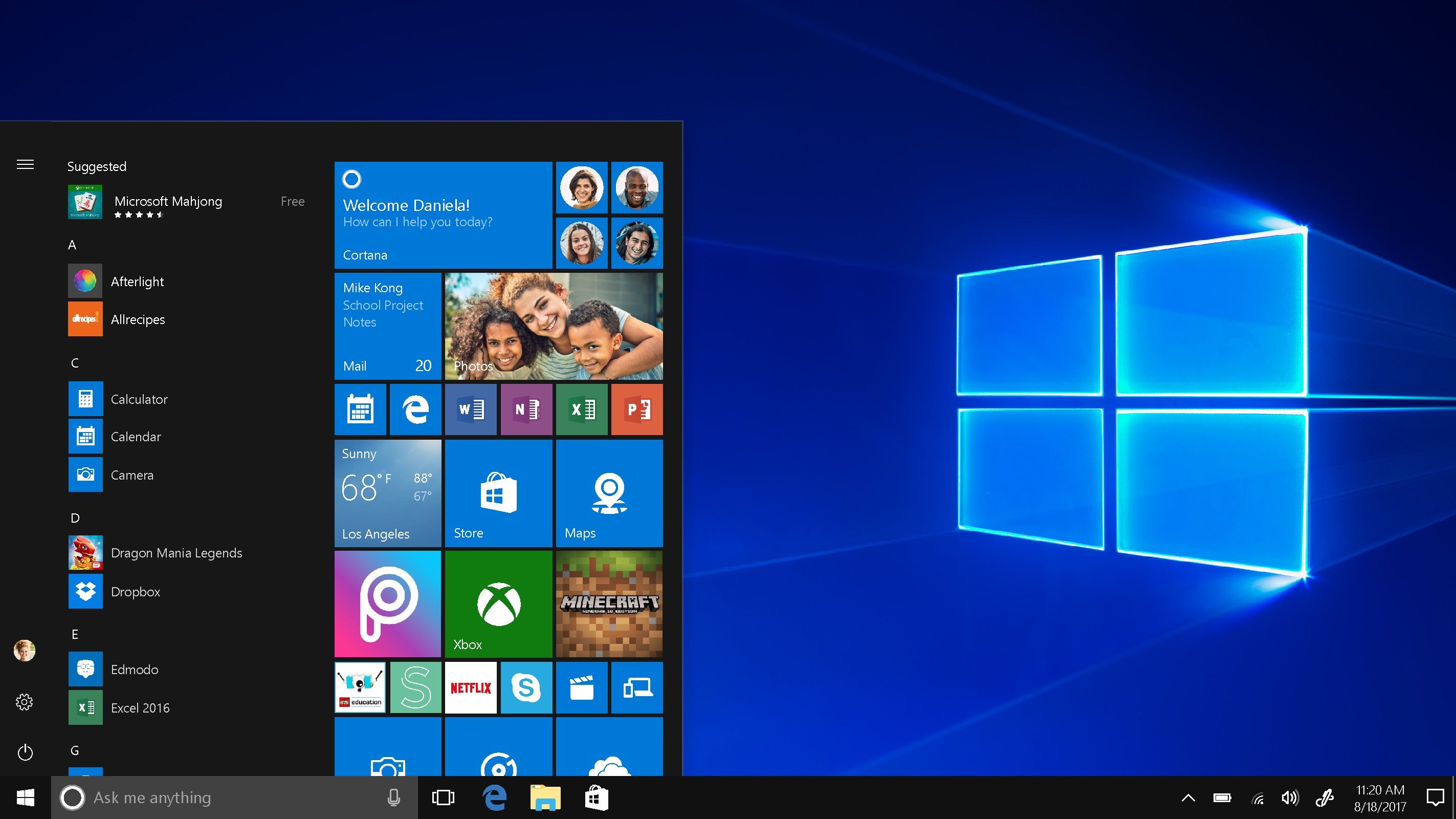 Note: Some versions of Windows 10 may not show all the following settings.
76. 8 Reasons to Make Linux Your Default OS of Choice Today
 Stop with the rumbling, bro. What is Linux?
77. Wazuh 101: How I Got My SIEM Setup Working in One Afternoon
 Learn how to deploy Wazuh on VMware and connect a Windows agent in this step-by-step beginner's guide. Perfect for cybersecurity students and homelab enthusiast
78. Shamoon: The Modular Computer Virus Created in 2012 to Attack Big Oil
 Information about the Shamoon virus was first used in 2012 against Saudi oil companies.
79. 10 Must-Try Computer Tricks For Both Mac and Windows

- Undo Closing A Tab
80. Major Differences Between DOS And Windows

81. 10 Tricks To Use Your Windows 10 Computer Faster
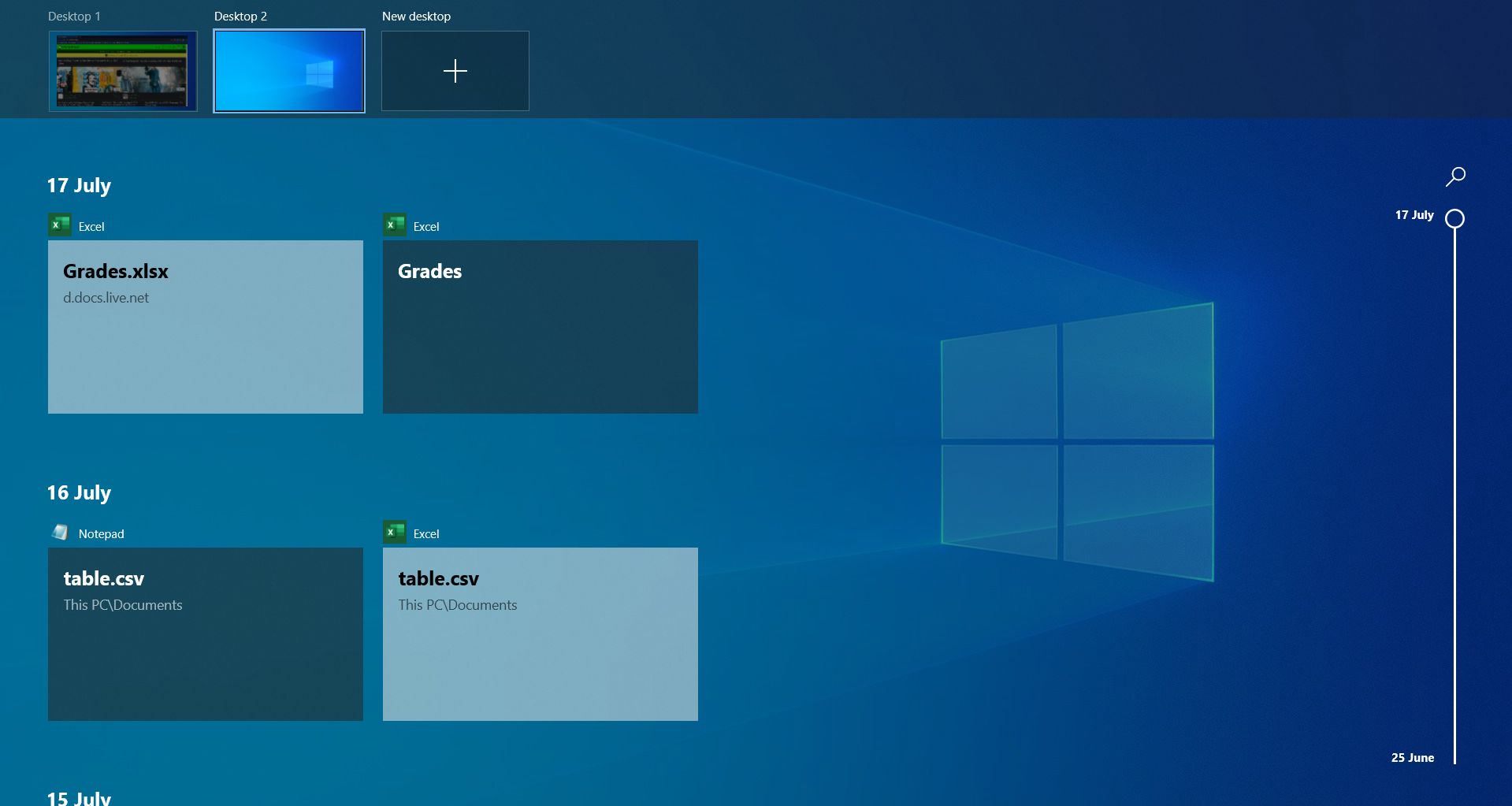 With approximately 55% of computers using Windows 10 worldwide, it is definitely in everyone's interests that we all learn how to use the newest version of Windows in the most efficient way possible!
82. Understanding Svchost.exe: the Backbone of Windows 11 Processes
 Servicehost.exe is not a virus. It is an essential Windows System process. If you find it running from a different path, then it can be a malware impersonation.
83. Fixing Windows Computer With Motherboard Error Page 99
 The motherboard is an integral part of the computer. Nonetheless, it is notoriously difficult to troubleshoot. If you're not planning on upgrading your computer. Replacing the motherboard should be your final resort for fixing any problems it's having. In this case, all the necessary hardware for your computer to start up is already attached to the motherboard. Also, because of how rapidly technology develops. You could not be able to locate a replacement motherboard. That is fully compatible with your existing system. You might have to replace many parts if the motherboard has even a single unique feature. Such as a slot that has a different form, size, or placement.
84. Running BF1942 on Windows 10 with Win32 APIs: The Programmer's Way
 Fullscreen didn't work and window mode was bugged when trying to play Battlefield 1942. I decided to make a program to solve this issue using Win32 APIs.
85. My Personal Guide to SQL Window Functions (Part 2)
 First introduced as part of the SQ:2003 Standard and available in MySQL 8.0, window functions in MySQL are compelling, but the syntax can be difficult to grok.
86. No Sound on Windows 10? Here's the Fix
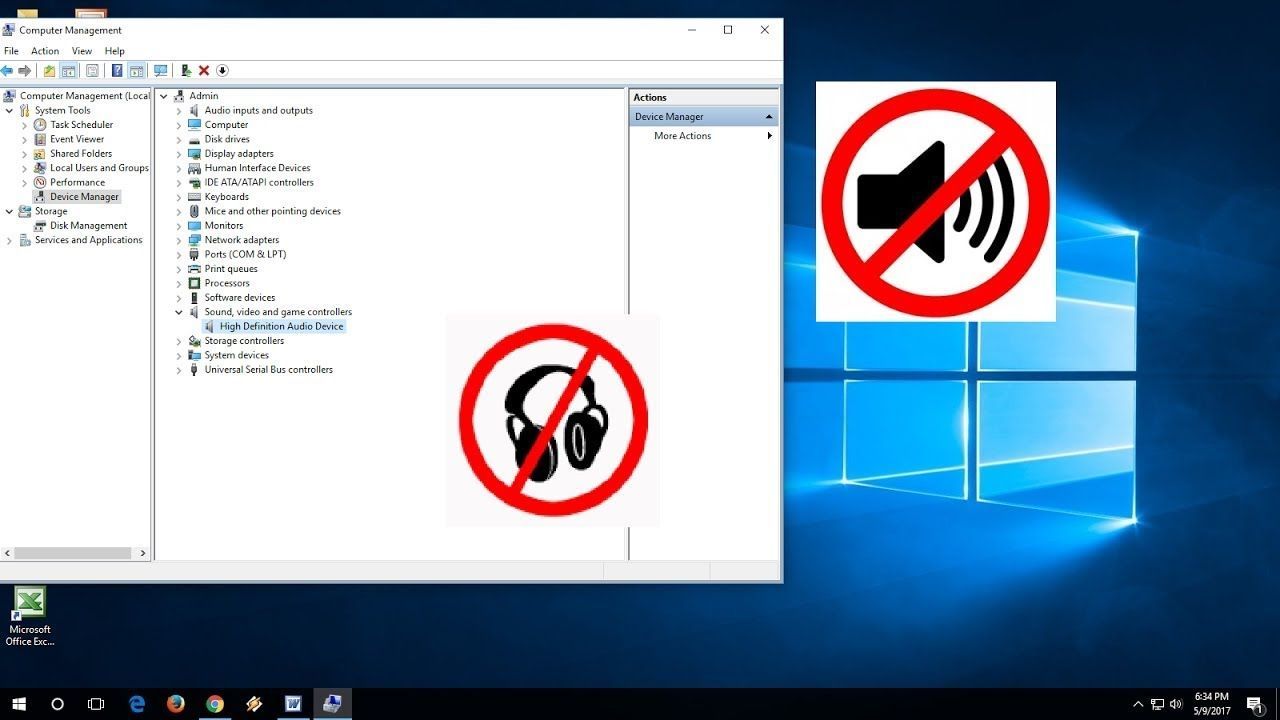 Guide can help you restore and repair no sound on Windows 10 using a few simple tricks of the trade. Just follow this easy guide to get you going.
87. Comparing Linux and Windows 10 IoT for Your Medical Device
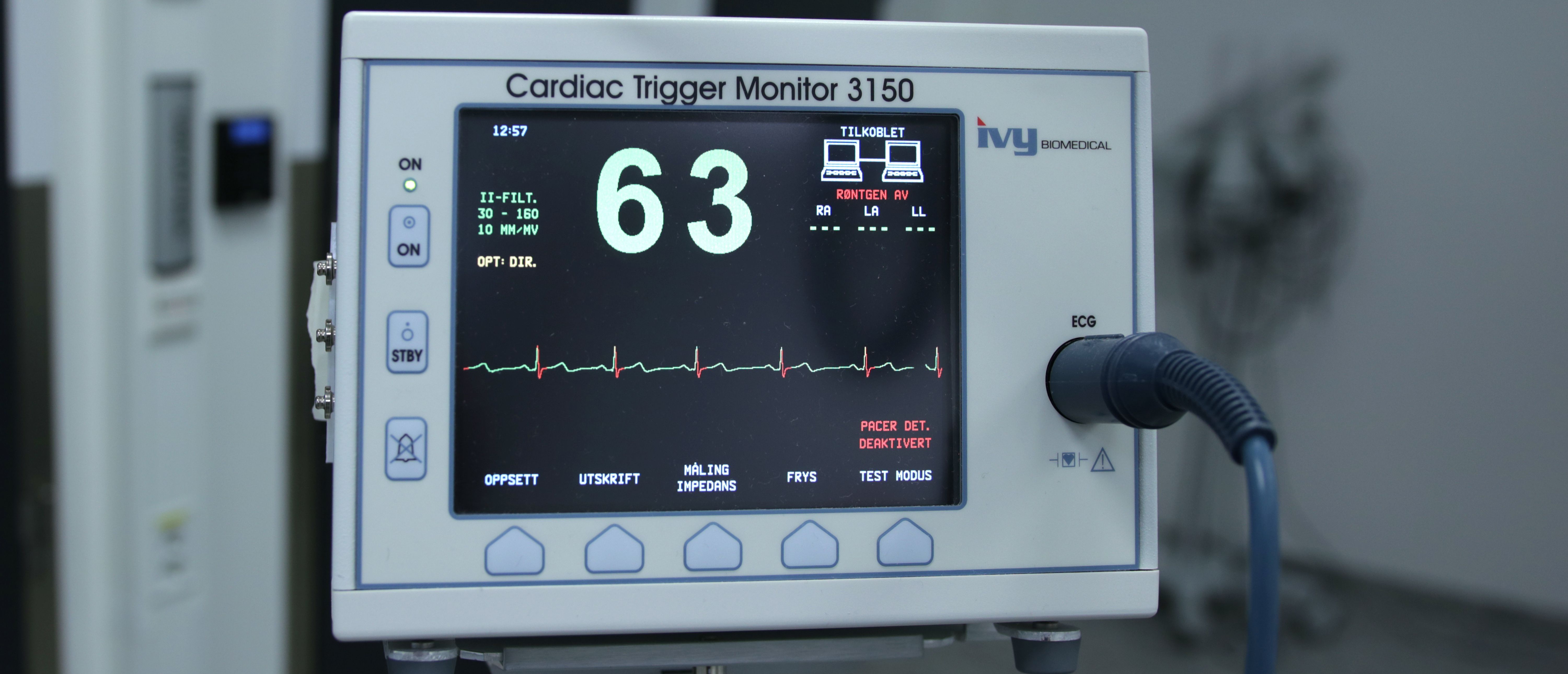 What is the best OS for medical devices? Should I choose a Microsoft product? Is Linux better than Windows 10 IoT? Read the answers.
88. Vulnerability Of Windows: The Truth
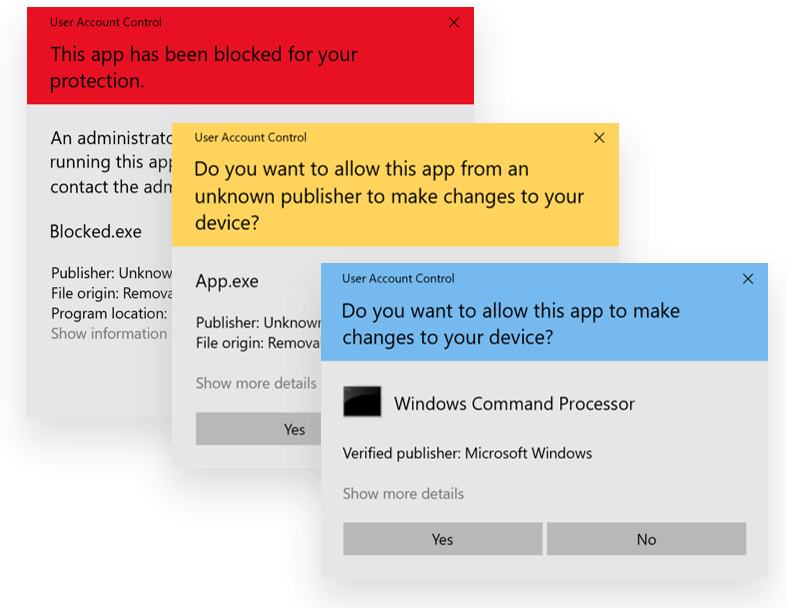 In 2017, DZone wrote a really cool article about a windows exploit that a German student discovered that takes advantage of the trusted binary ‘fodhelper.exe’ that is a part of windows. It is located in System32 and is signed by Microsoft, so when you run it, the UAC prompt (pictured below), which is normally required to run a program as an administrator, is not required.
89. 89 Stories To Learn About Windows
 Learn everything you need to know about Windows via these 89 free HackerNoon stories.
90. Maximize Screen Space: Auto Hide Taskbar in Windows 11!
 The following are the different methods to automatically hide the taskbar on Windows 11.
91. Speed Up Your Windows 10 With These 10 Tips
 Just because Windows 10 is the latest version of Microsoft doesn’t mean it’s immune to slow downs. Here are 10 tips you can try to speed up Windows 10:
92. United States Of America v. Microsoft Corporation: The Time Uncle Sam Took Bill Gates to Court
 United States Of America v. Microsoft Corporation Court Filing by Thomas Penfield Jackson is part of HackerNoon’s Legal PDF Series. This is the table of links.
93. Surviving the IT Support field
 Hello to everyone out there, I will attempt tell you, in this brief post, how to handle things, and/or generally try to survive in the IT Support field.
94. Best Video Editing Programs For Windows in 2022
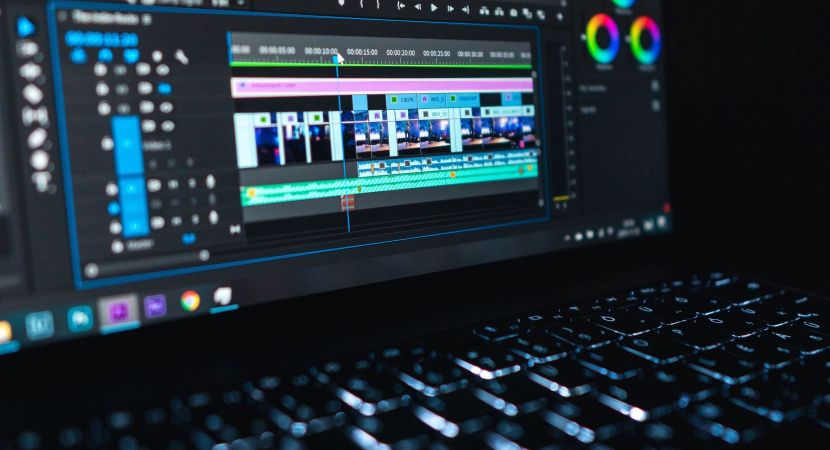 In order to make fantastic films, it's crucial to utilize top-notch video editing software.
95. Fighting VRAM Overheating: 3 Unexpected Lessons from My First Windows Utility
 A developer's log on fixing laptop VRAM overheating during AI workloads. Why Memory Junction hits 105°C and how Pulse Throttling solves it without undervolting.
96. 5 Tips To Extend Your Battery Life On A Windows Laptop
 One of the greatest things about having a laptop is being able to bring it anywhere. However, it's not so great when your laptop is running out of battery and there's no outlet in sight. To keep this from happening, here are some things you can do to extend your laptop's battery life:
97. A Brief Introduction to System Drivers
 All computers operate with hardware, including; soundcards, video cards, USB ports, etc. Just about everything on your PC that ant a software program.
98. How to Enable Microsoft Message Queue Server in Windows 11: A Quick Guide
 MSMQ is a powerful tool that facilitates asynchronous communication between applications, making data exchange seamless and efficient.
99. How to Secure Office 365 & Windows from Ransomware Attacks
 It’s no secret that we’re living in uncertain times. Many countries are under partial or full lockdown for the past few weeks, making work from home the new norm for the foreseeable future, at least.
100. How To Speed Up Windows Vista

101. End of Windows 7: What Is Next?
 Microsoft Windows is one of the most widely used operating systems in the world. It has released a number of versions since it was established in the year 1985. In 2009, Windows 7 was released in the market by Microsoft, and since then, it has been a successful operating system.
102. Windows 10 New File Recovery Application
 Microsoft released its own File Recovery Tool in the Windows Store, making it a lot simpler to choose which device you need on the off chance that you lose a significant bit of information on your PC.
103. Microsoft Gave Internet Explorer Away and Rewarded Firms That Helped Build Its Usage Share
 United States Of America. v. Microsoft Corporation Court Filing by Thomas Penfield Jackson, November 5, 1999 is part of HackerNoon’s Legal PDF Series.
104. How To Make Sure Your Windows 7 PC Stays Safe
 Windows 7 has recently joined the club of all Windows operating systems that Microsoft is no longer supporting with security updates. So if you're still running on Windows 7, pretty soon it's going to be full of unpatched security holes.
105. What are Microsoft Windows Display Drivers? - A Brief Overview
 Microsoft introduced the Windows Display Driver to drive the video cards installed in the Windows OS.
106. How to Personalize Touchpad Gestures for a Seamless Windows 11 Experience!
 The most commonly used fingers in the three-finger gesture are the Point Finger, the Middle Finger, and the Ring Finger.
107. Enabling Sudo Command on Windows 11: Here's How
 In this latest article, let's check out how to enable Sudo Command on Windows 11 using different methods, while uncovering its power & precautions.
108. How To Enable Microsoft Edge`s New Crapware Blocker
 Microsoft Edge has a new crapware blocker. But the thing is, it isn't enabled by default. The blocker is currently only available in Edge's beta version but it should be available for everyone using the Chromium-based Edge browser with the stable release of Edge 80 in early February.
109. How To Enable It Microsoft Edge`s New Crapware Blocker
Microsoft Edge has a new crapware blocker. But the thing is, it isn't enabled by default. The blocker is currently only available in Edge's beta version but it should be available for everyone using the Chromium-based Edge browser with the stable release of Edge 80 in early February.
110. Viable Alternatives to Windows: The United States v. Microsoft
 United States Of America. v. Microsoft Corporation Court Filing by Thomas Penfield Jackson, November 5, 1999, is part of HackerNoon’s Legal PDF Series.
Thank you for checking out the 110 most read blog posts about Windows on HackerNoon.
Visit the /Learn Repo to find the most read blog posts about any technology.